
Register your signature
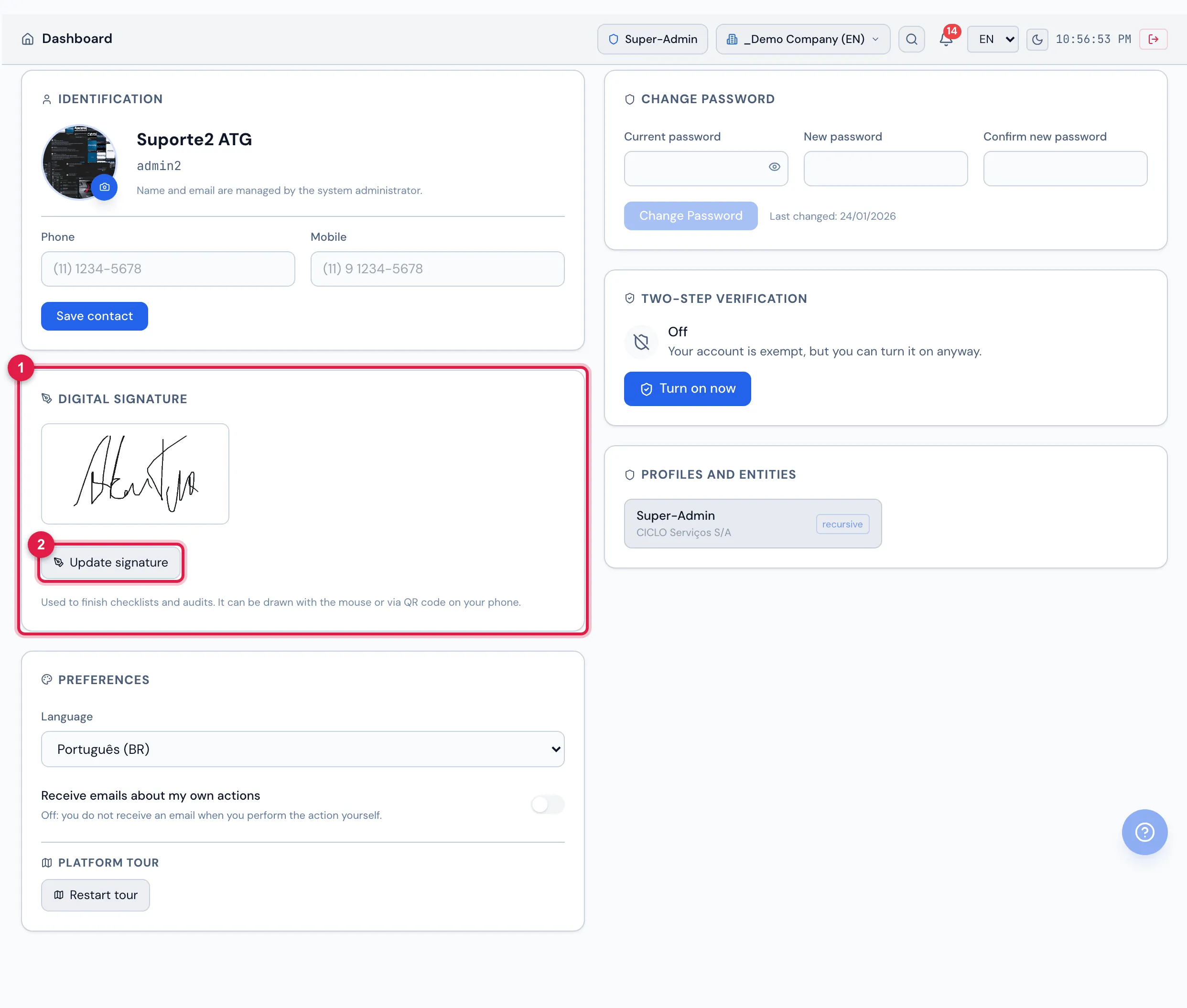
Whoever is responsible for a document (APR, PT or inspection lead, technical lead of a training or of the PGR, CIPA president and secretary…) signs with the registered signature in their profile. H2O stamps the date, time, IP address and code.
- Open My Profile and go to the Digital Signature block.
- Draw your signature with the mouse, or use the QR code to draw it on your phone.
- To change it later, use Update signature.
Was this page helpful?
Thanks for the feedback!
Got it — we will improve this page.