
Calendars
Manual — Locations and calendars · chapter 8 of 9
A calendar says when the company works. It has a name, the working hours of each weekday (a day can have more than one time range, such as 08:00–12:00 and 13:00–18:00; a day without a range is a non-working day) and a list of holidays. H2O uses the calendar to count deadlines in business hours and to move scheduled dates off weekends and holidays.The Calendars screen
Section titled “The Calendars screen”Configuration › Calendars holds the list of the company’s calendars, with the number (ID) and the Name, in alphabetical order. The list is there to check which calendars exist and what each one is called — that name is what appears in the Calendar fields of the other screens.
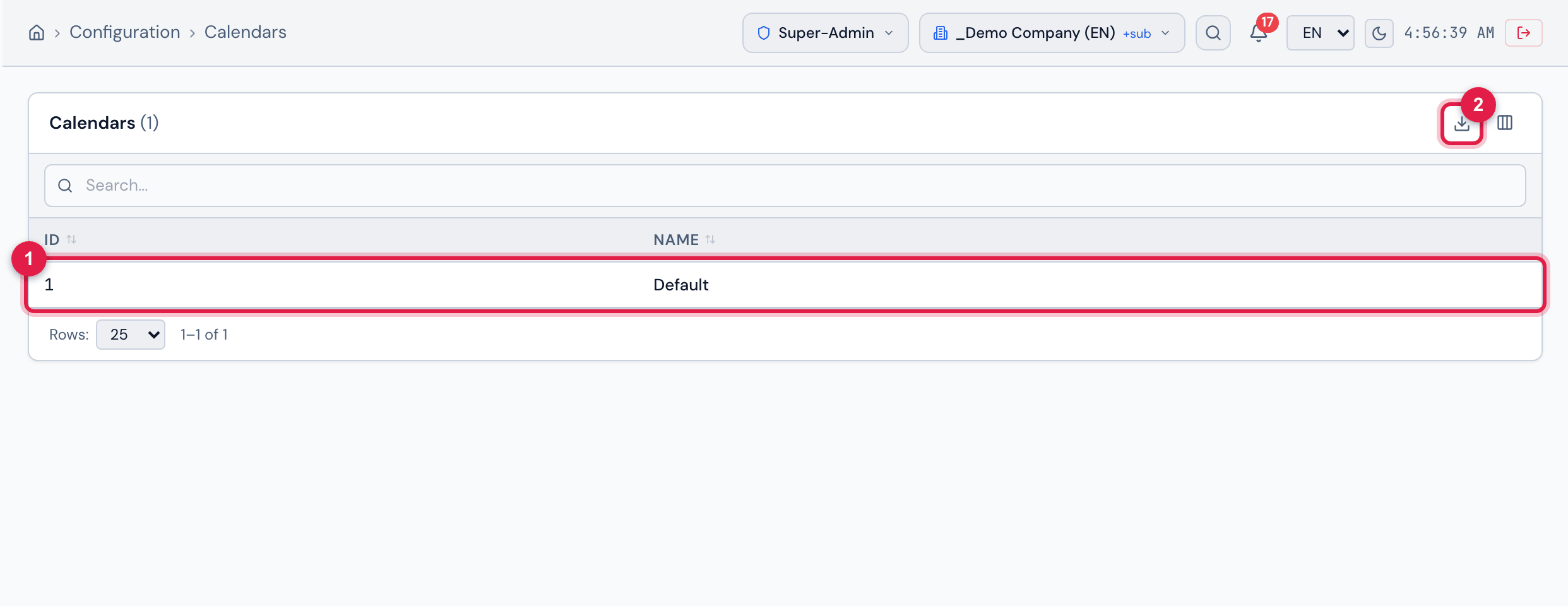
Figure 11. Configuration › Calendars: the list with the ID and Name of each calendar.
- 1A calendar — its name is what appears in the Calendar fields of the SLA, of Automatic Scheduling and of the Maintenance Plans.
- 2Export — Excel or PDF of the list.
Where the calendar is used
Section titled “Where the calendar is used”| Where | Field | What the calendar does |
|---|---|---|
| ITIL › Service Levels — each SLA and OLA | Calendar | counts in business hours the paused time of the ticket and the SLA consumption in the report (below). Without a calendar on the SLA — or with a calendar without working hours —, everything is counted in elapsed time. |
| Planning › Automatic Scheduling | Calendar (required) | generated dates that fall on a non-working day move to the nearest working day. |
| Planning › Maintenance Plans | Adjust to working day + Calendar | the plan’s next due date that falls on a non-working day moves to the nearest working day. |
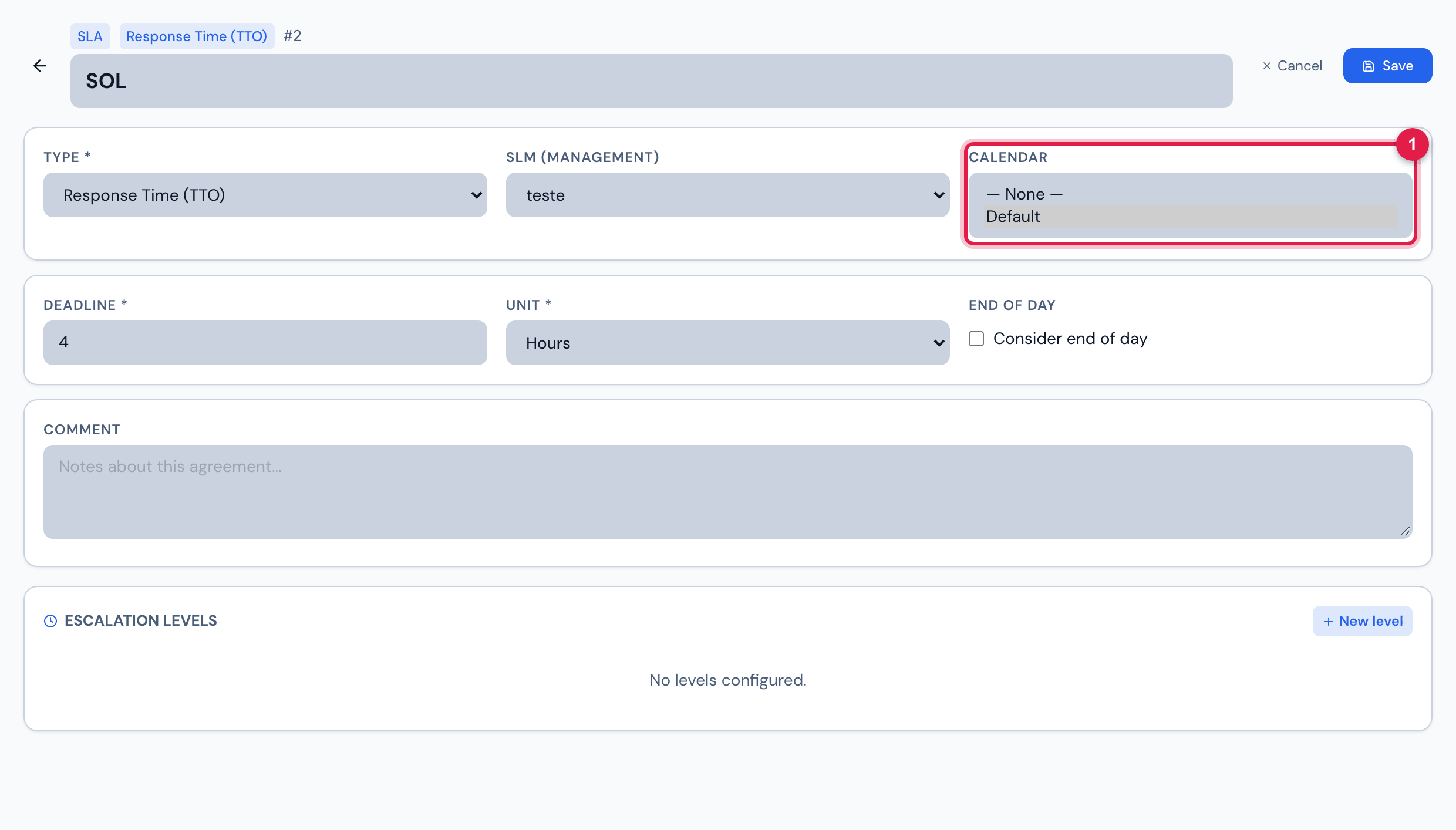
Figure 12. ITIL › Service Levels › an SLA being edited: the Calendar field, with the company’s calendars and — None —.
- 1Calendar field of the SLA.
In the SLA
Section titled “In the SLA”- Deadline at opening — the ticket due date (response and resolution) is calculated by adding the SLA time in elapsed time, even with a calendar: an 8-hour SLA opened on Friday at 5 pm is due on Saturday at 1 am. The calendar does not change that date.
- Pause — when the ticket enters a status marked as Pauses SLA (System › Ticket Statuses) and later leaves it, the stopped time is measured in business hours of the SLA calendar and the due date is pushed forward by that same business time. Without a calendar, the pause is measured and added in elapsed time. The response deadline (TTO) does not pause.
- Report — in Reports › Tickets, the SLA column shows how much of the deadline has already been consumed in business hours, according to the SLA calendar: the percentage, how far past the deadline (for an open, overdue ticket) or, for a closed one, Within / Breached. Hover over the bar to see the time spent and the deadline. When the SLA has no calendar, the count is in elapsed time and the bar gets a ~ next to it (SLA without a calendar: elapsed time).
- The OLA uses its own calendar. The Calendar field of the service level (SLM) is stored, but the calculation uses the calendar of each SLA and OLA: choose the calendar in each one.
- The SLA’s Consider end of day option is stored, but currently does not change any calculation.
In Automatic Scheduling and Maintenance Plans
Section titled “In Automatic Scheduling and Maintenance Plans”- A non-working day is a weekday without any time range in the calendar, or a holiday. A calendar without any working hours registered is treated as Monday to Friday.
- A date that falls on a non-working day moves to the nearest working day: H2O tries the previous day first, then the next one, then two days before, two days after, and so on, up to 7 days. Example: with Saturday and Sunday as non-working days, a Saturday preventive moves to Friday; a Sunday one, to Monday.
- In Automatic Scheduling, the calendar is required: without it, the registration does not move forward.
- In Maintenance Plans, the adjustment only happens with Adjust to working day ticked (in the plan registration, Adjust due dates to working days). If the plan has no calendar chosen, H2O uses the company’s first calendar.
Holidays
Section titled “Holidays”- Each holiday has a start date and an end date — a holiday of several days (such as a year-end break) covers every day of the period.
- A recurring holiday repeats every year on the same day and month: registered once, it is valid forever. This also applies to a period that crosses the year (for example, a break from 12/24 to 01/02 covers 12/31 and 01/01 of every year).
- A non-recurring holiday applies only on the registered dates — Carnival, whose date changes, must be registered every year.
- The same holiday rule applies to the SLA (pause and report), to Automatic Scheduling and to the Maintenance Plans.
Was this page helpful?
Thanks for the feedback!
Got it — we will improve this page.