
Workforce: the site's job roles
Manual — Suppliers, contacts and workforce · chapter 6 of 8
People › Workforce (Workforce Roles screen — “Job roles for daily reports by site”) is the register of job roles: Bricklayer, Laborer, Electrician, Foreman, Engineer… Each job role is Direct or Indirect — it is by this type that the daily report separates direct from indirect workforce. The job roles are used in the workforce of the daily report and as the worker’s Job role in SST (chapter 7).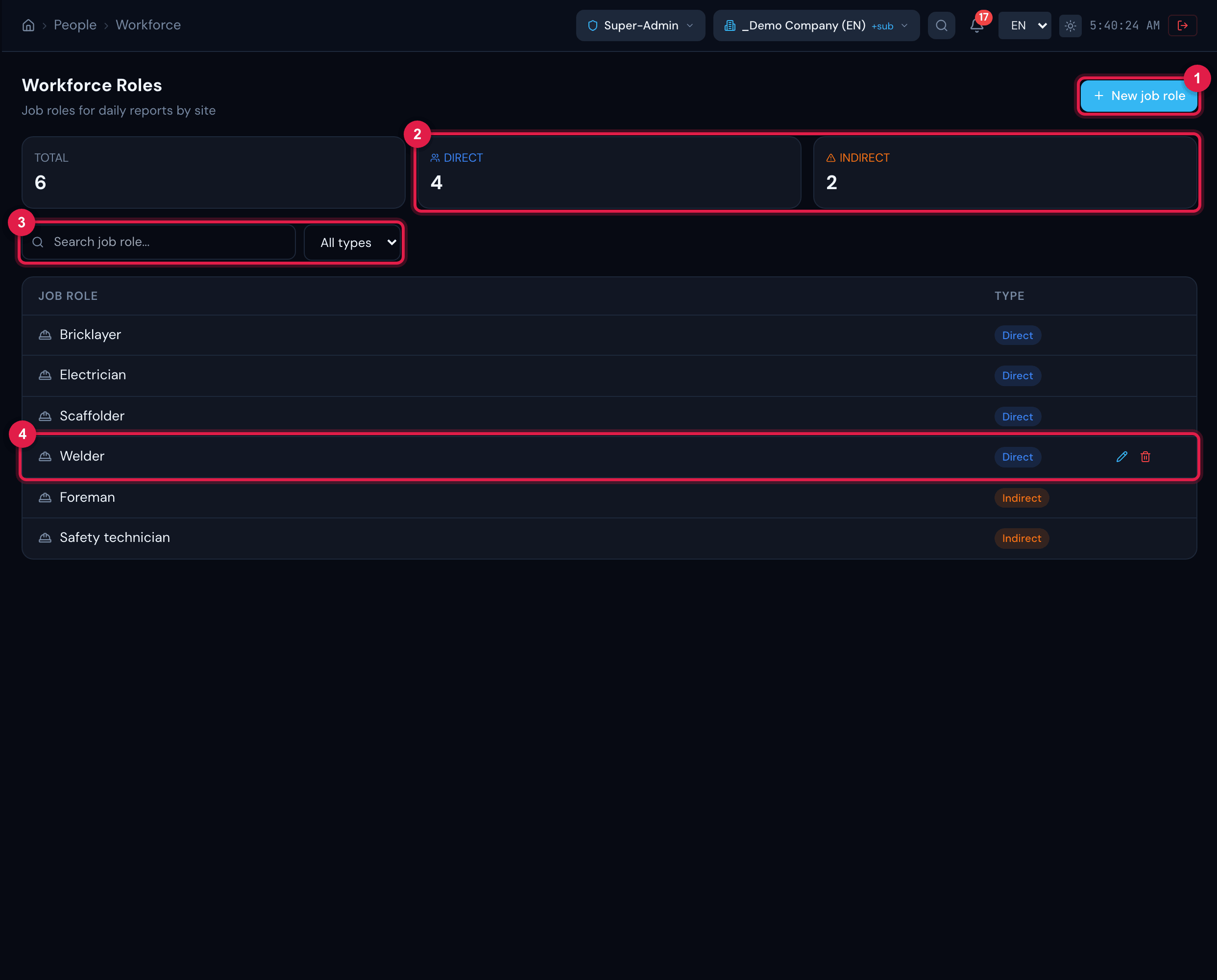
Figure 10. The Workforce Roles screen: the Total, Direct and Indirect cards (the last two filter the list), the search, the type filter and the list of job roles with their type; on hover, the row’s pencil and trash can.
- 1New job role.
- 2Direct and Indirect cards — click to filter.
- 3Search job role… search and the All types filter.
- 4Job role row with its type; pencil and trash can on hover.
- Check the site in the header: the job role is created in it.
- Click New job role. A blank row appears at the top of the list.
- Type the name of the Job role, choose Direct or Indirect and click the floppy disk (or press Enter). The X cancels.
- To change it, hover over the row and click the pencil: the row becomes a field; save the same way.
Removing a job role
Section titled “Removing a job role”The row’s trash can asks Remove this job role? and deletes the job role permanently. Removal is refused when the job role has already been used:
| Message | Why |
|---|---|
| This job role is used in existing daily reports and cannot be removed | some daily report has a quantity entered for that job role |
| This job role is used in SST (…) and cannot be removed | the job role is in workers, in the matrix by job role (trainings), in SST work instructions or in the risk inventory — the message says which |
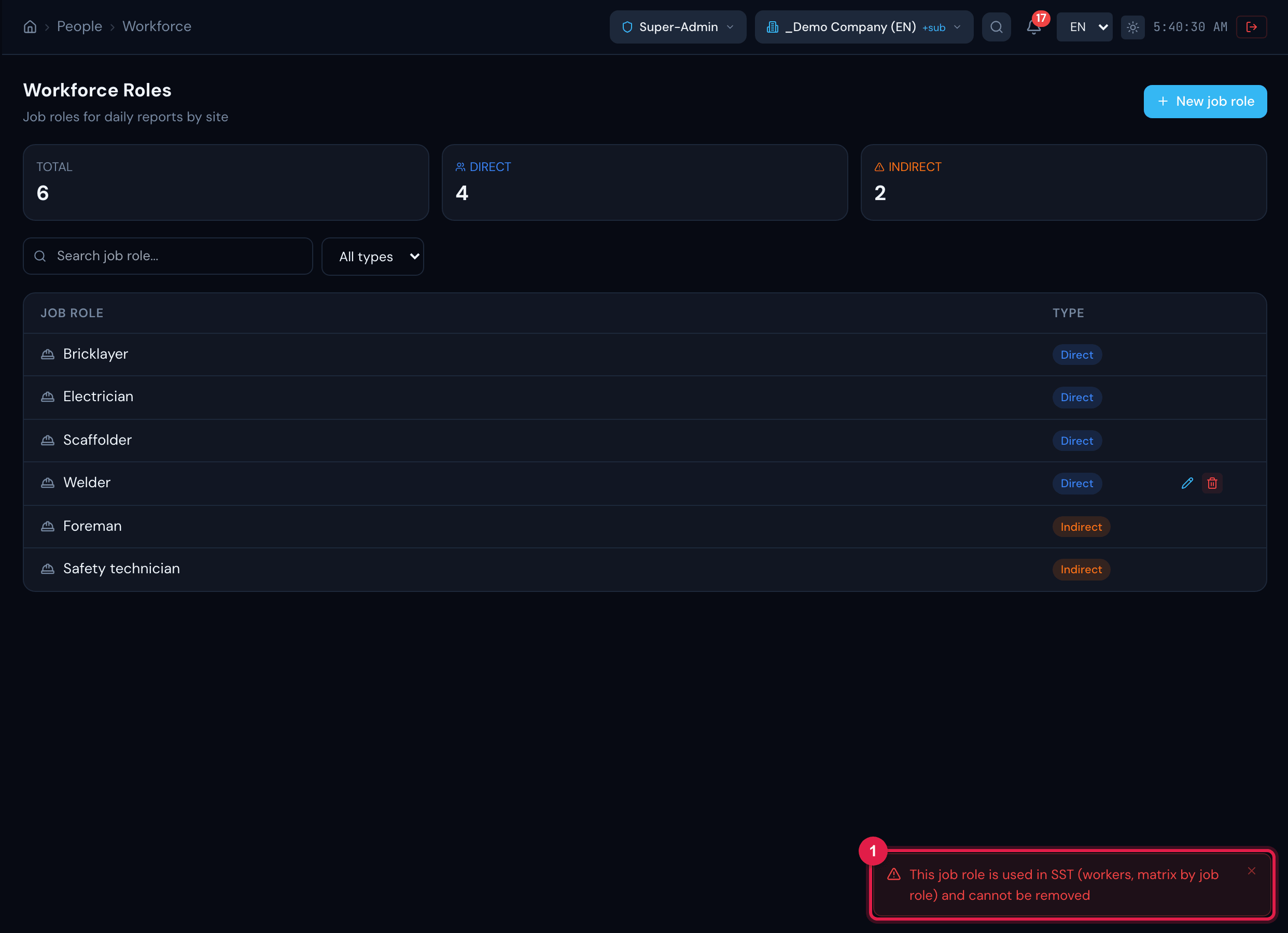
Figure 11. Attempt to remove a job role used in SST: the warning This job role is used in SST (workers, matrix by job role) and cannot be removed.
- 1Server warning, with the places where the job role is used.
Was this page helpful?
Thanks for the feedback!
Got it — we will improve this page.