How does a resident or tenant open a ticket from the QR code?
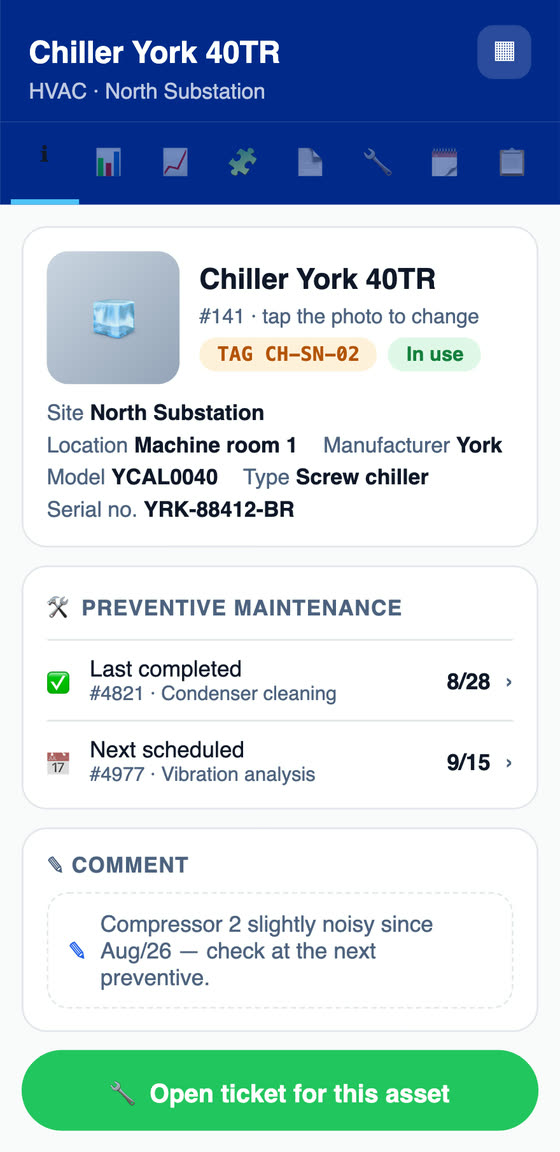
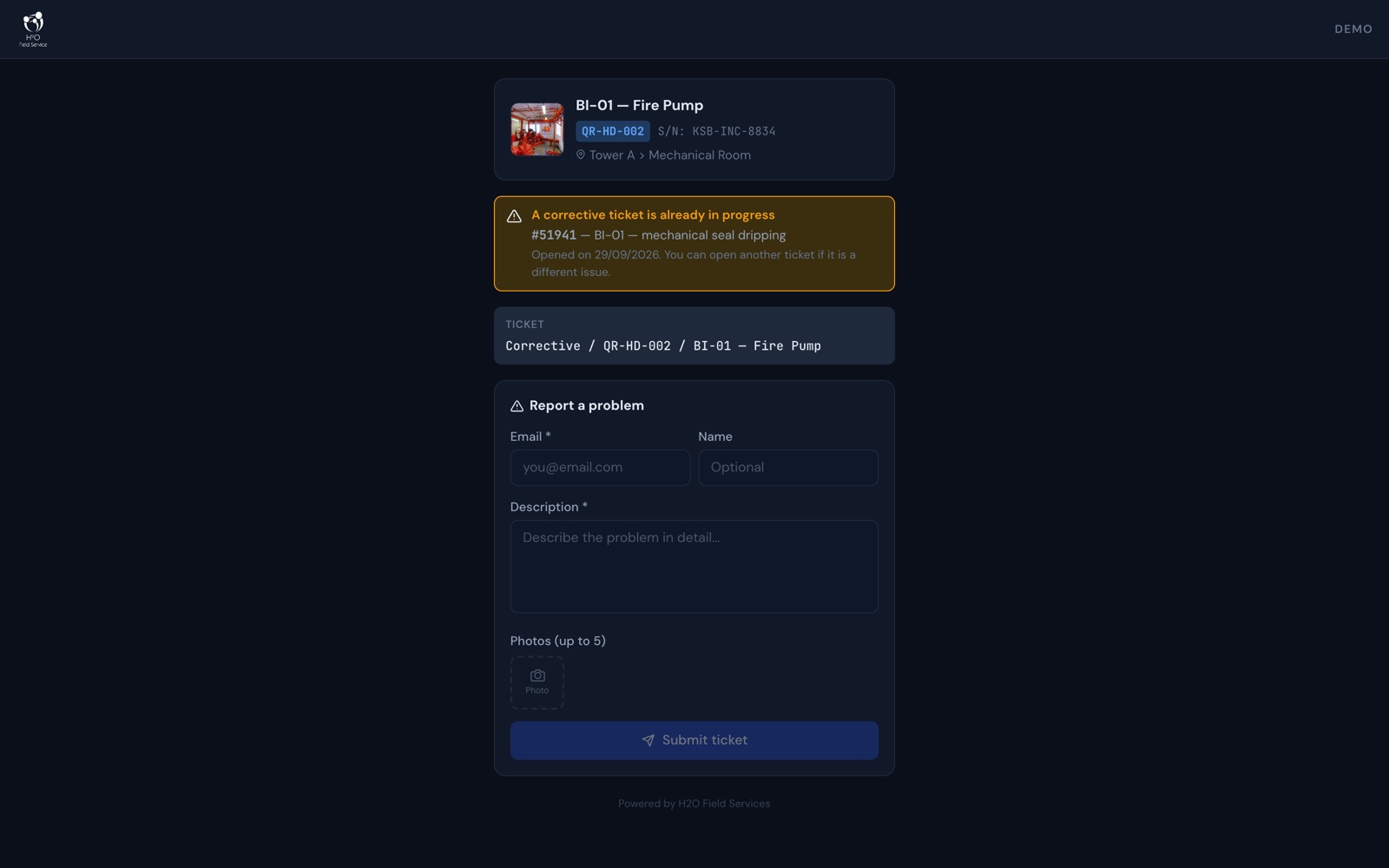
They point the phone camera at the equipment's tag, and the ticket page opens in the browser, with no login and no app to install. The screen shows the equipment with its name, TAG, serial number and location. The person describes the problem, enters an email and, if they want, their name, and attaches up to 5 photos taken on the spot. The ticket is created already linked to the equipment and its location, with the equipment's default technician or group and the response and resolution deadlines, and it goes through the routing rules. Updates and the satisfaction survey arrive at the email provided.
How does the requester portal work?
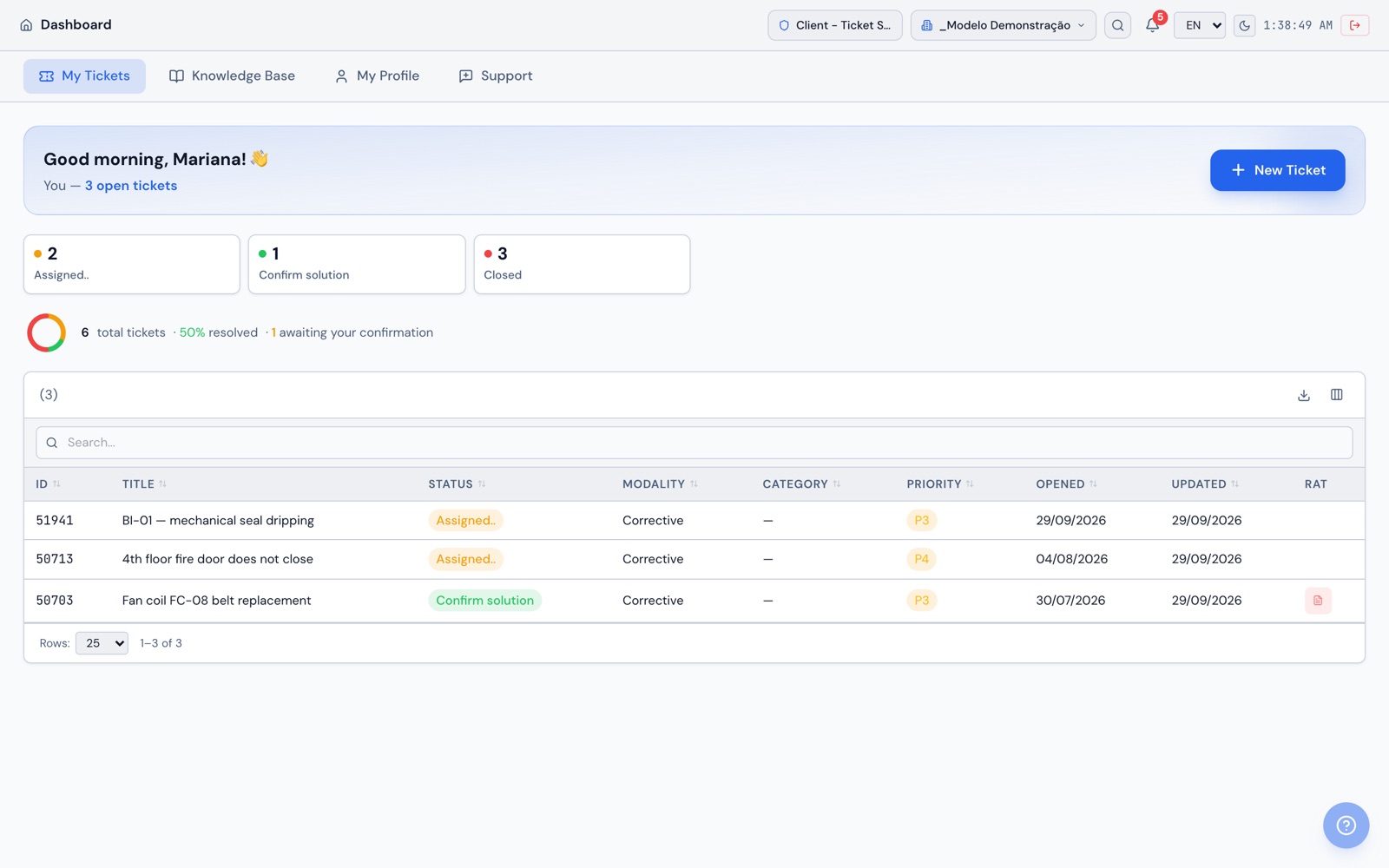
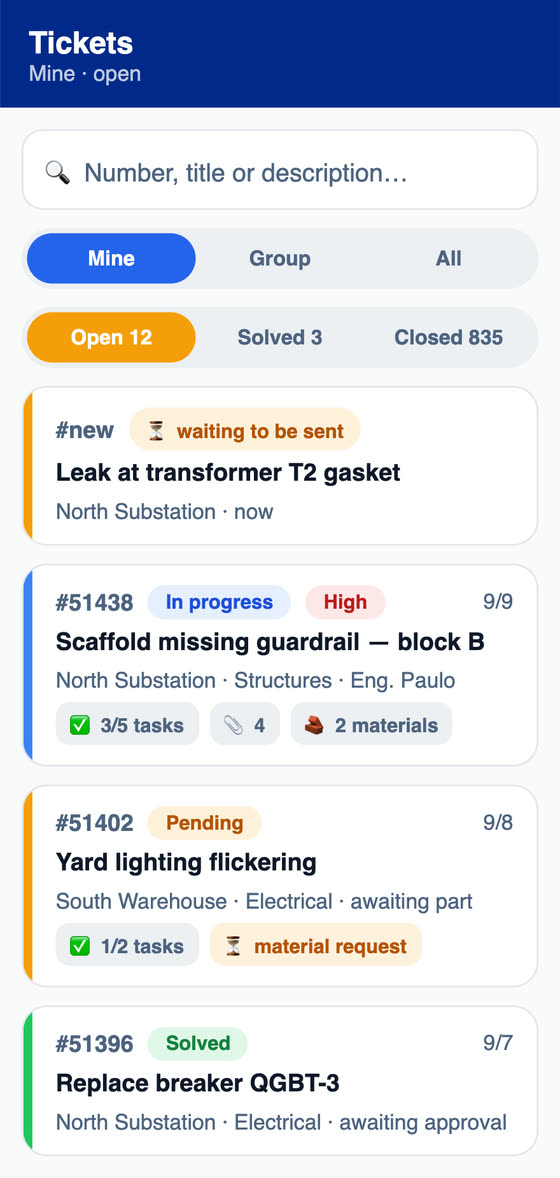
Residents, tenants and building users log in with an account created by the administrator or imported from a spreadsheet. In the portal, they see their tickets by status, open requests in plain language with location, equipment and attachments, follow the timeline with checklist photos, talk with the team, accept or reject the solution, respond to approvals and the satisfaction survey and browse the Knowledge Base. Every update also arrives by email. The portal is available in Portuguese, English and Spanish.
How do I set up the HVAC PMOC in H2O?
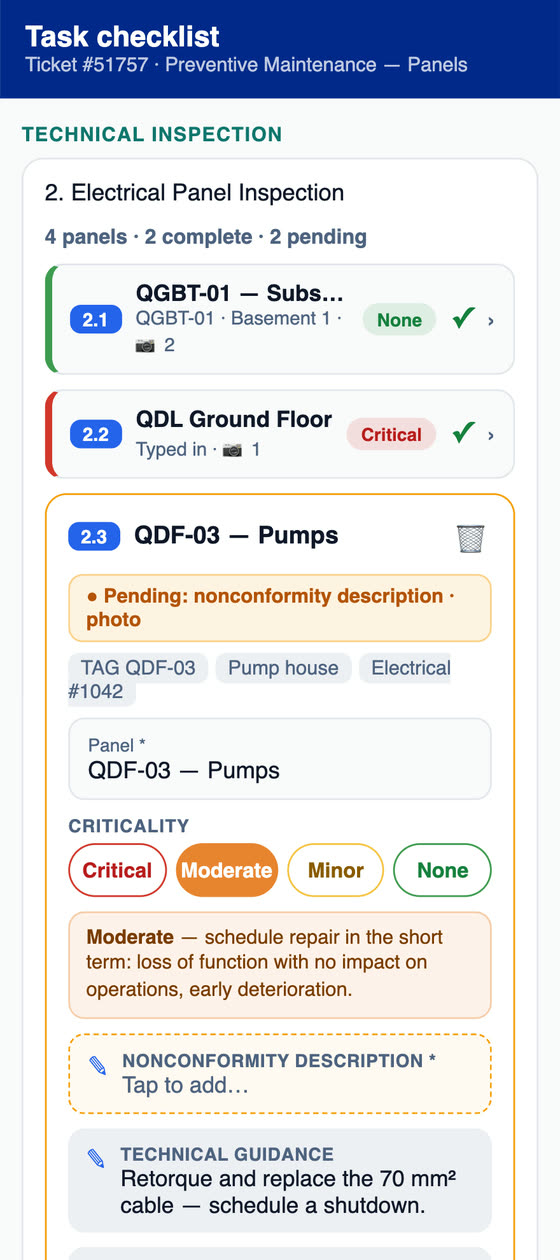
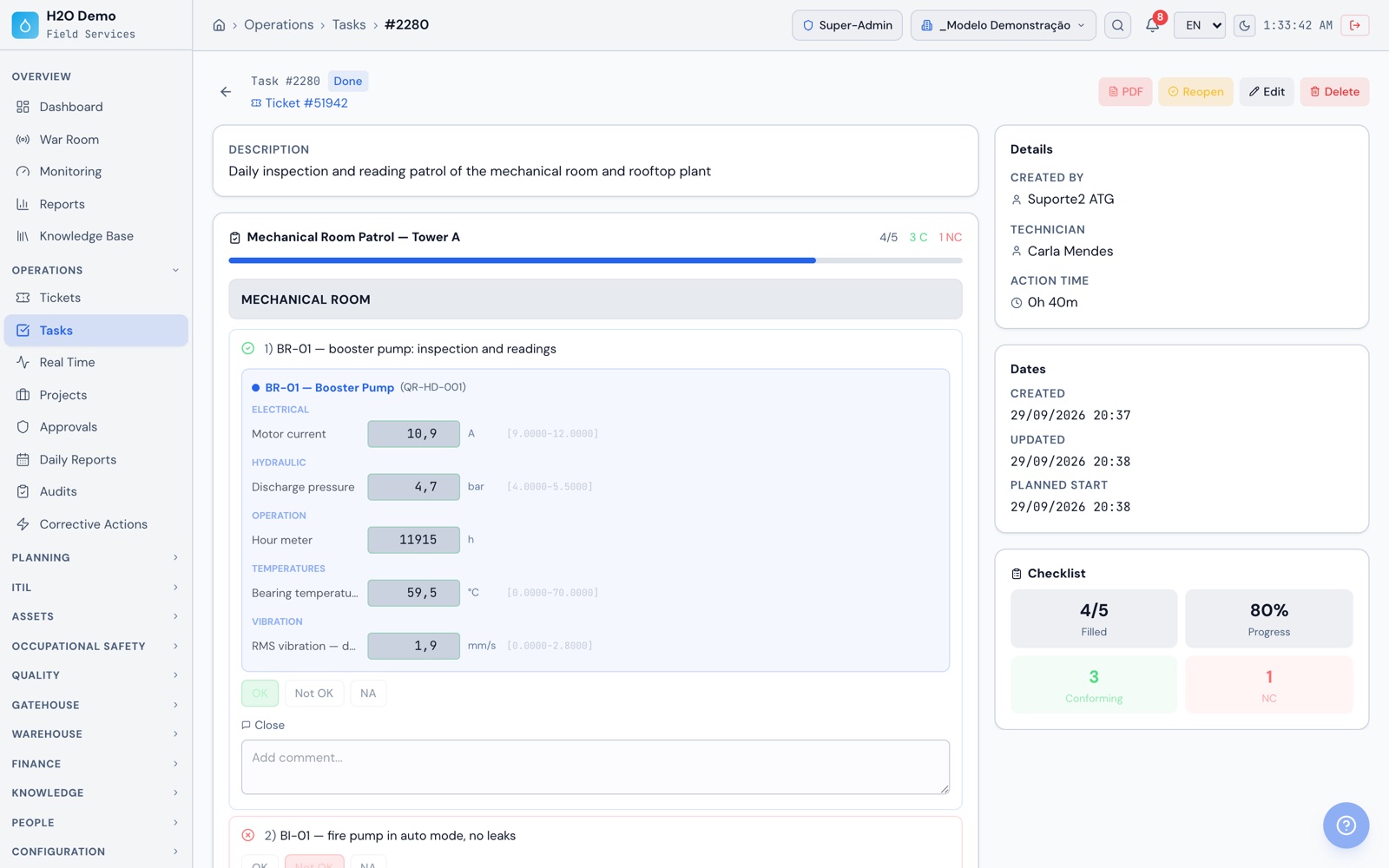
With the preventive maintenance features. Register the HVAC equipment in the HVAC family, with location, capacity and history. Create plans at your PMOC's intervals, in one go for every split unit or fan coil, or use the yearly schedule for the whole group. Each execution has a checklist with photos, measurements and a signature, and the PDF stays in the equipment's history. The responsible engineer's ART is attached to the building as a document. AI helps you build the cleaning checklist from a description.
How does the preventive maintenance plan work?
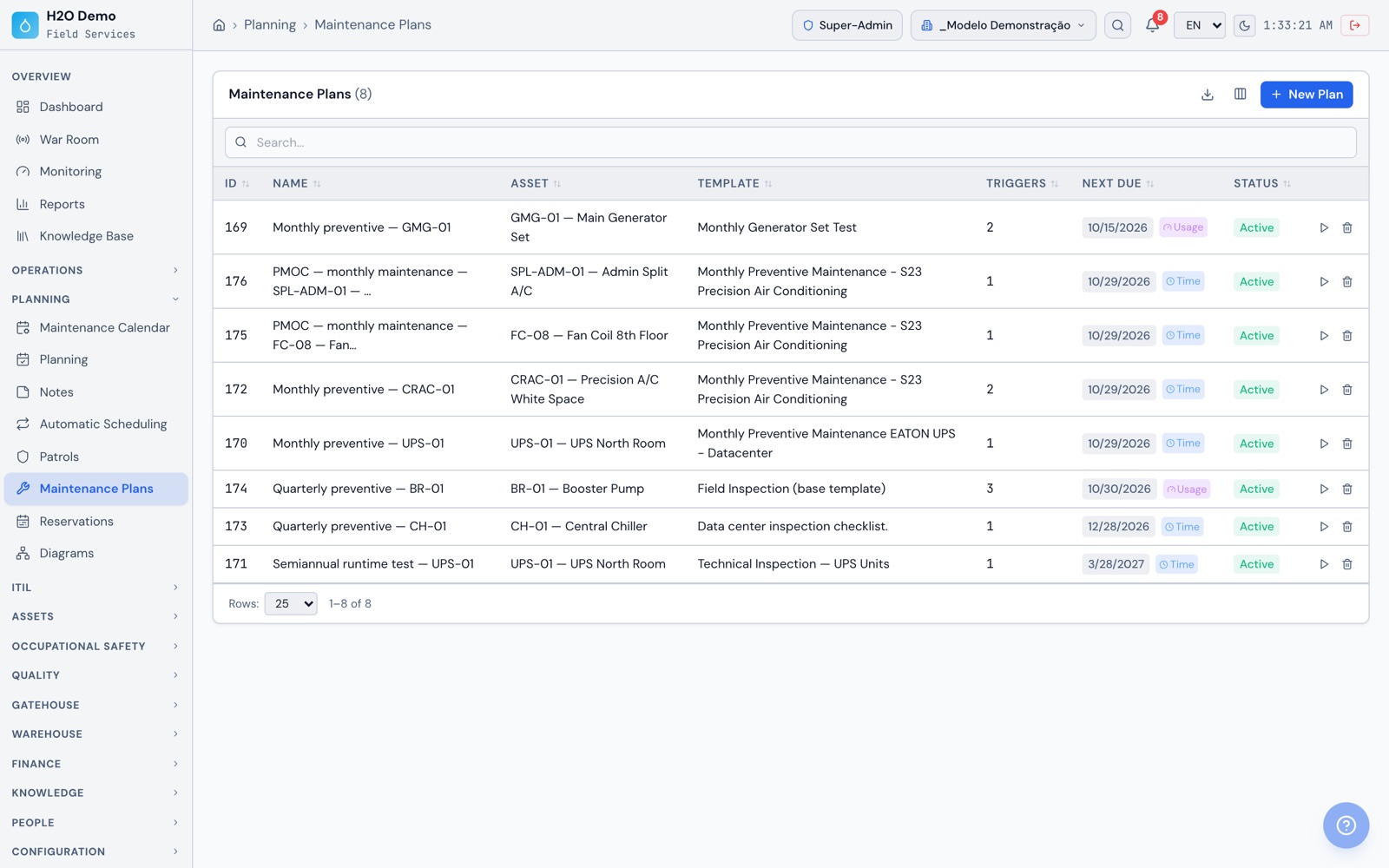
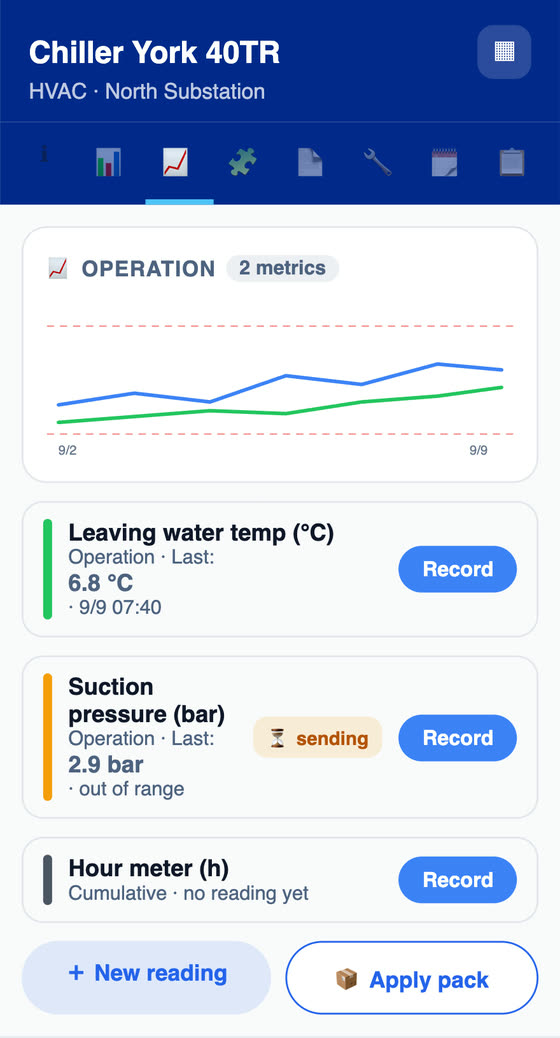
Each plan links a piece of equipment to a checklist template and to one or more triggers: time (every N days), usage (every X hours on the hour meter or another counter, with the date projected from the average of the latest readings) and condition (when a metric reading crosses its limit). Whichever comes due first wins. Once a day H2O recalculates the next date and, within the lead time you set, opens the work order with the checklist and the technician or group, which can be the elevator or HVAC contractor. When the work order is resolved or closed, the plan records the execution and restarts the count.
How do patrols work on the phone?
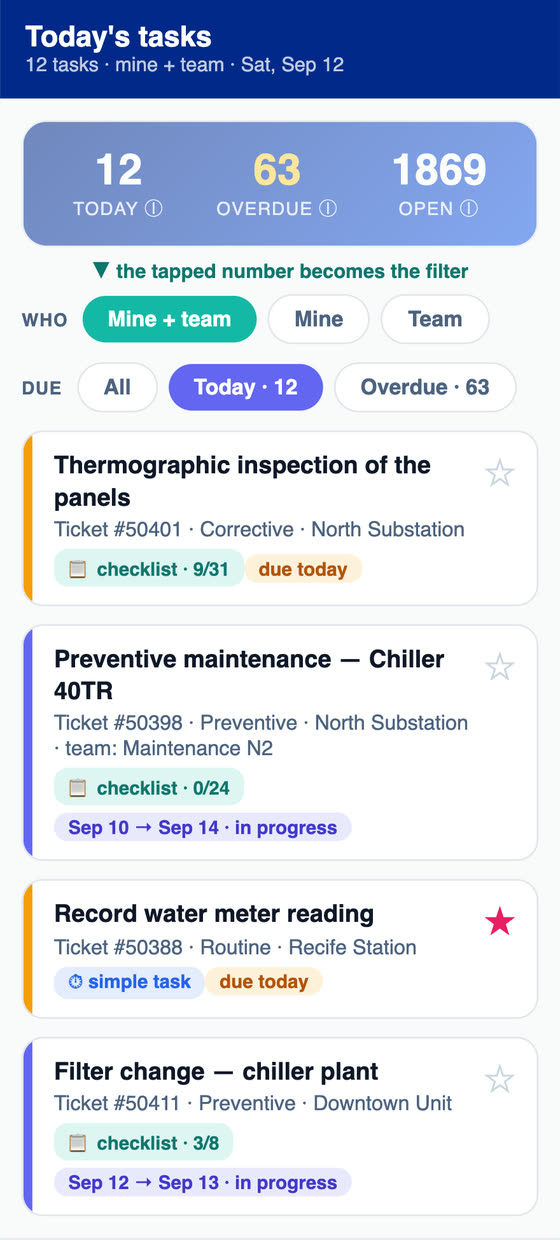
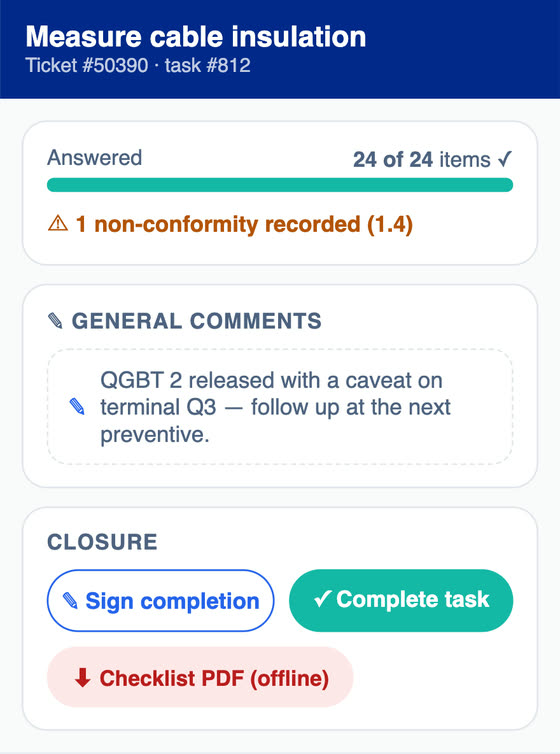
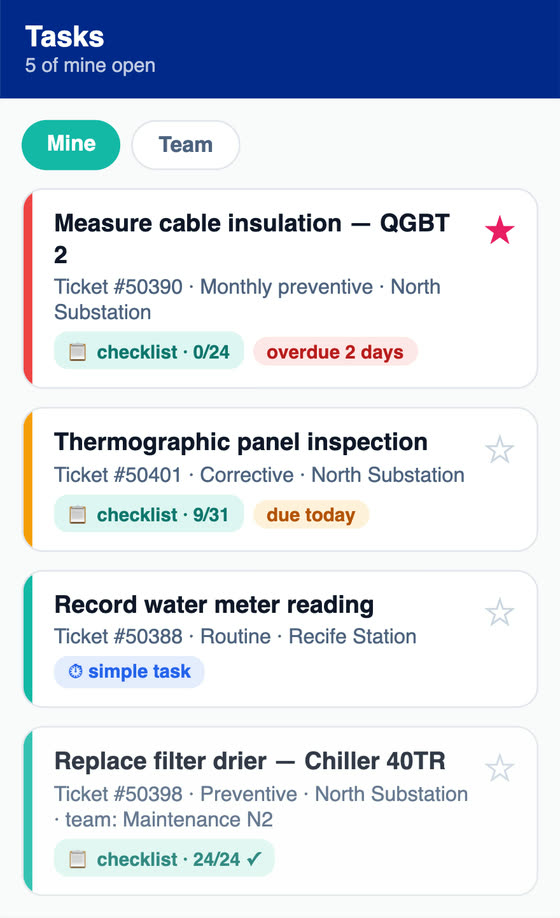
You create the patrol from a checklist template, with a daily, weekly, monthly or on-demand frequency, a time, a technician or group and the equipment linked to the items. H2O opens the patrol's work order on its own, and it can also be opened on the spot with the Run button. The technician answers item by item in the app, even with no signal, enters readings and takes photos. Each photo keeps the device's date, time and GPS position, printed on the checklist PDF, and each patrol has its own execution history. For shift-based patrols, set up one patrol per shift.
How is the SLA counted?
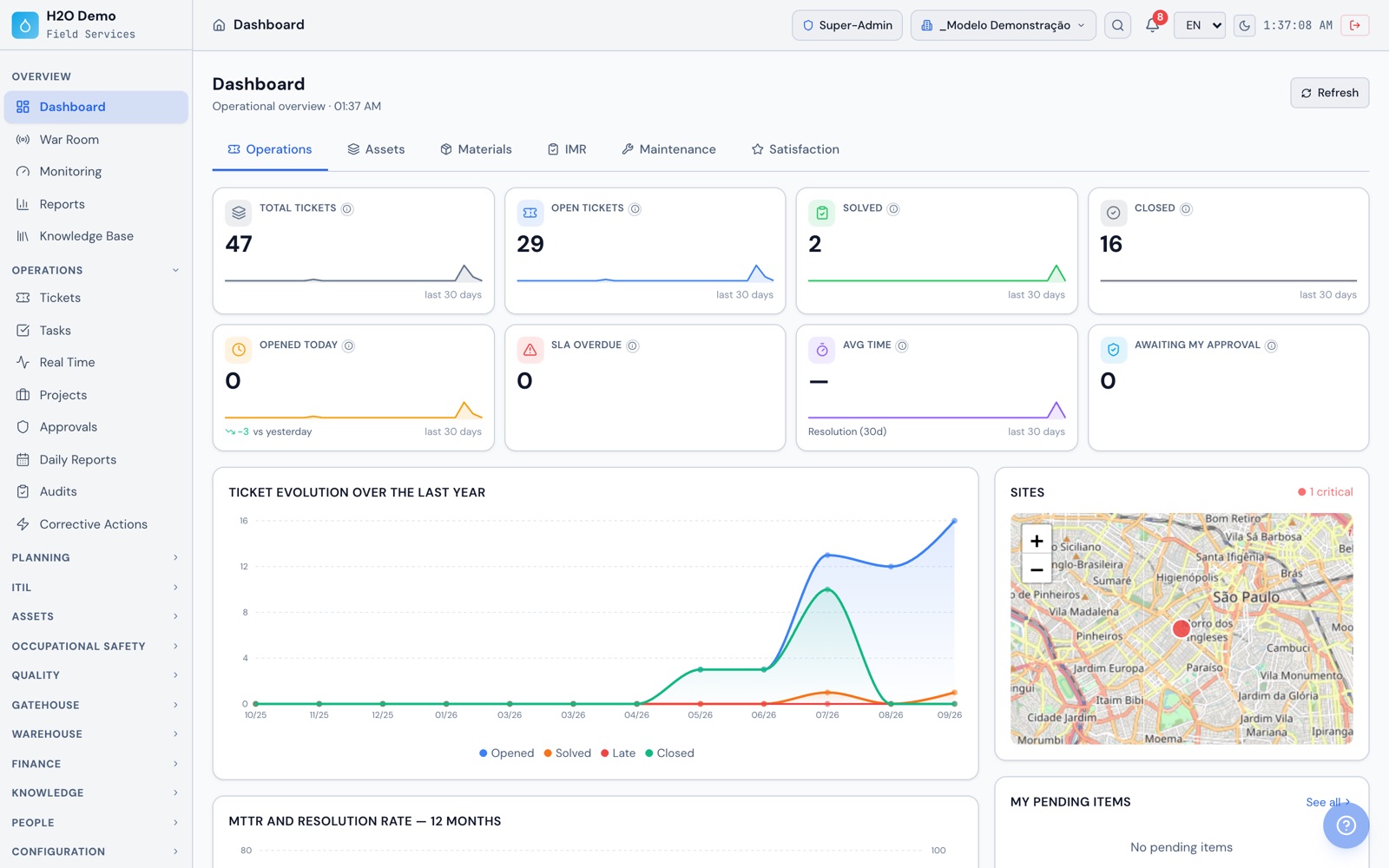
Each service level sets the first response deadline and the resolution deadline. It gets applied to the ticket from the equipment, the building's contract, a rule or by hand, and the deadlines count from the moment the ticket is opened. The statuses you choose, like 'Waiting for parts', pause the resolution deadline, and the paused time is added back in business hours using the SLA calendar with holidays. Overdue tickets show up on the dashboard and in the SLA reports, and the technician sees the deadline in the app.
How does the satisfaction survey work?
You turn the survey on and set how many days after closing it is sent, the share of tickets surveyed, the response window and the start date. The requester gets a no-login link by email, including people who opened the ticket by QR code, and gives 0 to 5 stars with a comment, or answers in the portal. The manager sees the average, the rating distribution, an NPS-style index and satisfaction by technician, by month and by category. The rating also feeds into the contract's IMR.
Can I manage multiple condominiums or buildings in one account?
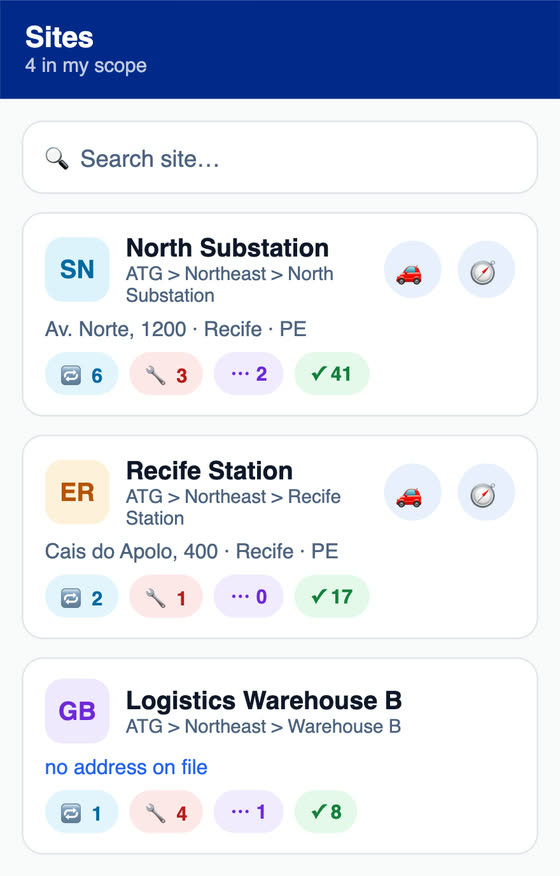
Yes. Each condominium, building or client is a site, with a location tree (tower, floor, room), users with per-site roles, contracts, and its own logo and documents. Dashboards and reports come out by building or consolidated, and each user sees only the buildings in their role. In the app, the technician sees the list of sites with each one's preventive, corrective and closed jobs and a shortcut to get directions. Terms can change per site, for example 'ticket' to 'work order'.
How do I measure the contractor's performance?
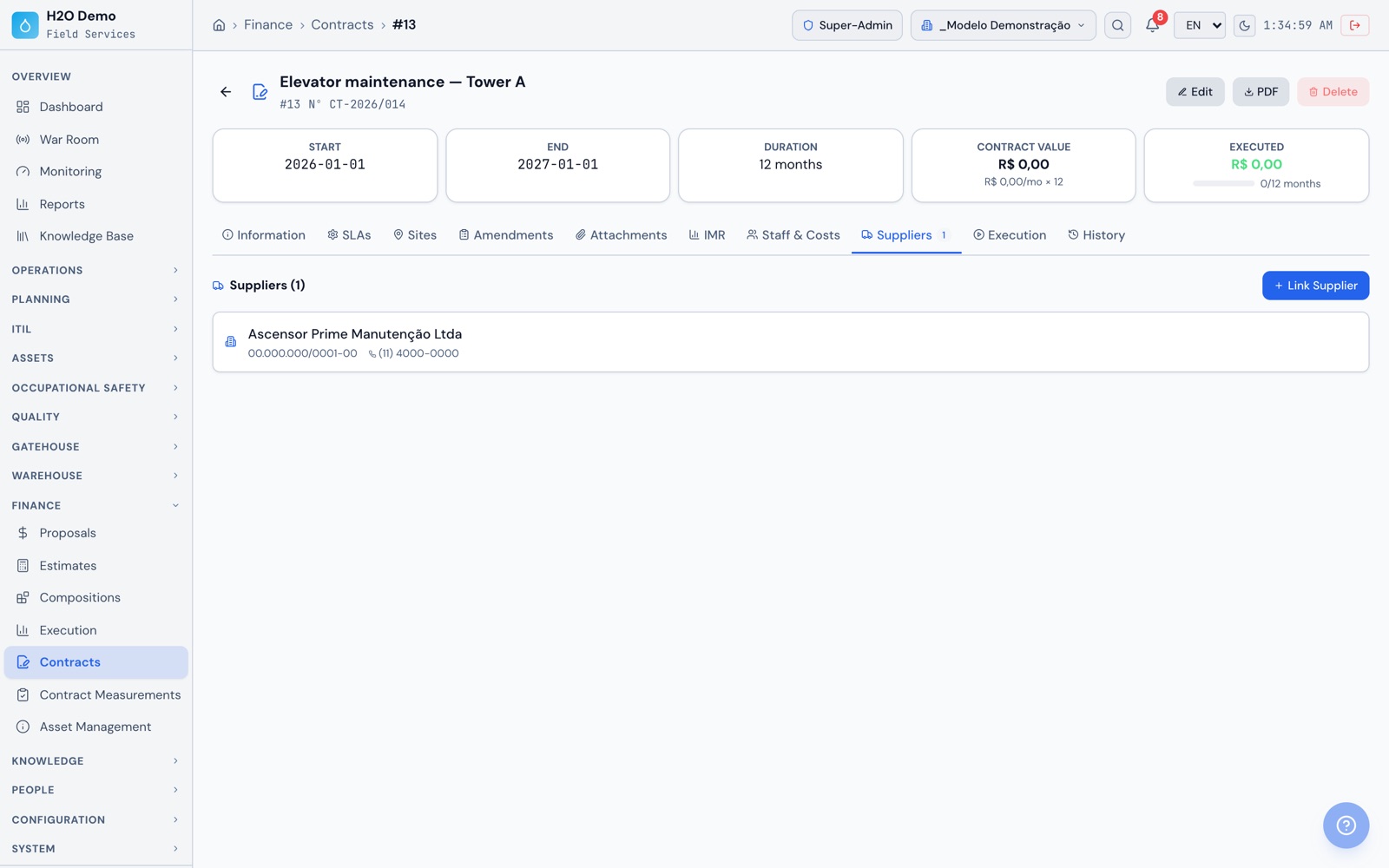
Through the contract. It holds the SLAs by priority, the sites served, addendums, attachments, suppliers, staffed posts and costs. The IMR combines metrics calculated from tickets, such as SLA compliance, satisfaction, preventive compliance, repeat failures and MTTR, with manual metrics and deduction bands by score. The monthly measurement moves from draft to measured, approved and invoiced and exports to PDF or Excel, and the IMR report in PDF shows the deduction applied in Brazilian reais. Contracted workers are registered with onboarding, daily safety talks and PPE handouts.
Does the app work in a machine room or basement with no signal?
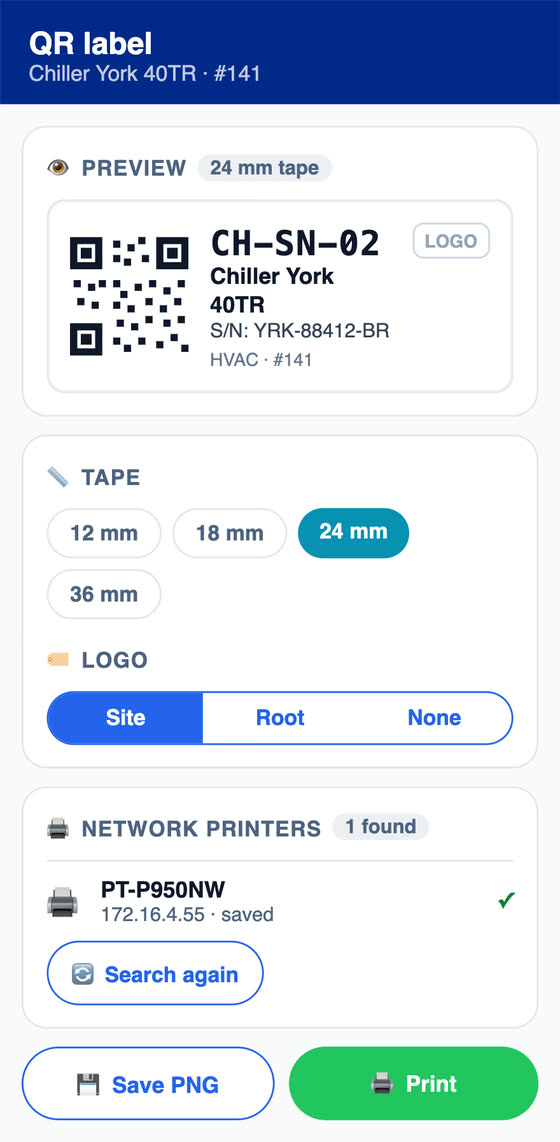
Yes. With the work orders already on the device, the technician handles jobs, fills in checklists and patrols, scans the equipment's QR code, takes photos, enters measurements, collects signatures and generates the checklist PDF and the service report, all offline. Data syncs on its own when the network comes back. Login and the first sync need a connection. The app is on Google Play (Android), the App Store (iPhone and iPad) and the Microsoft Store (Windows).
What building equipment can I register?
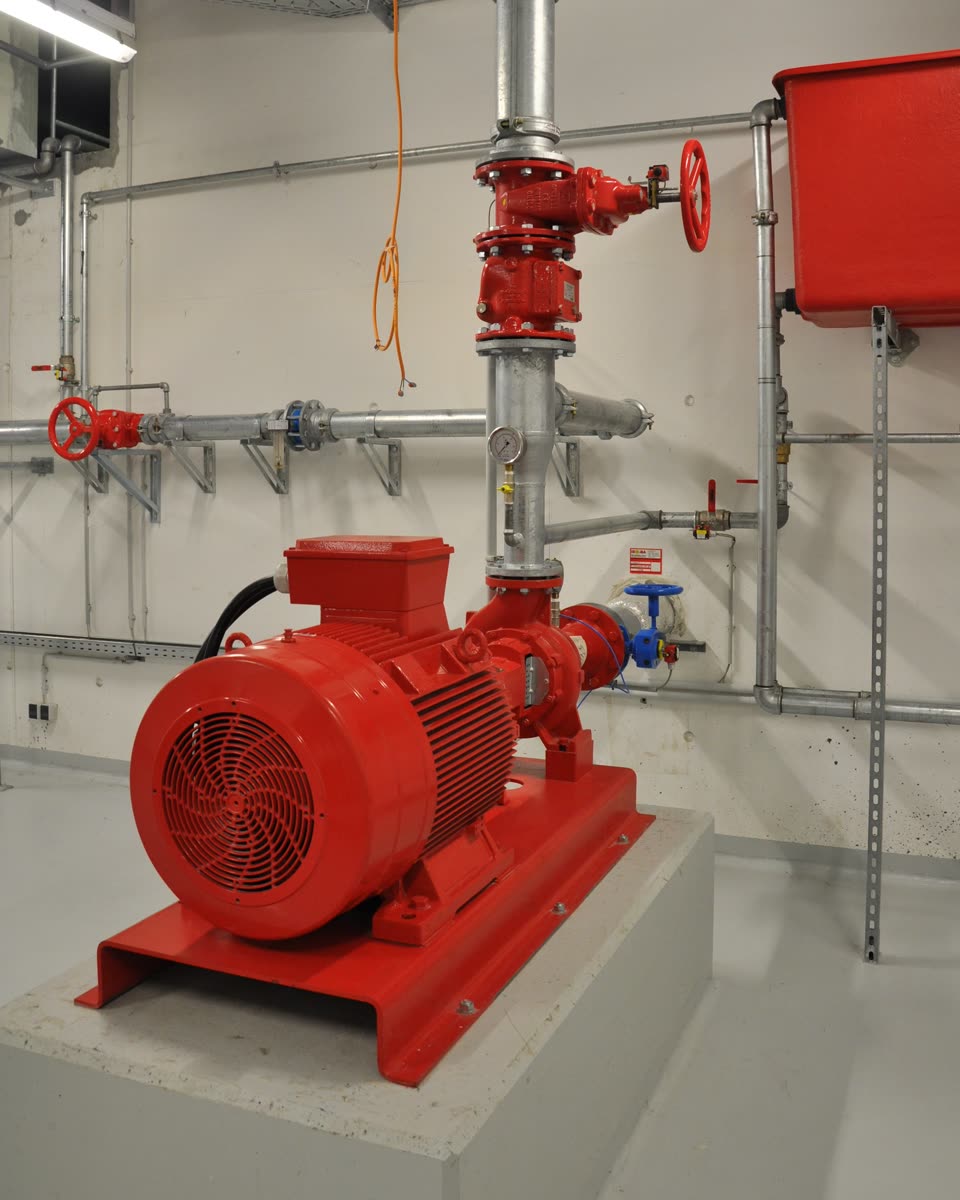
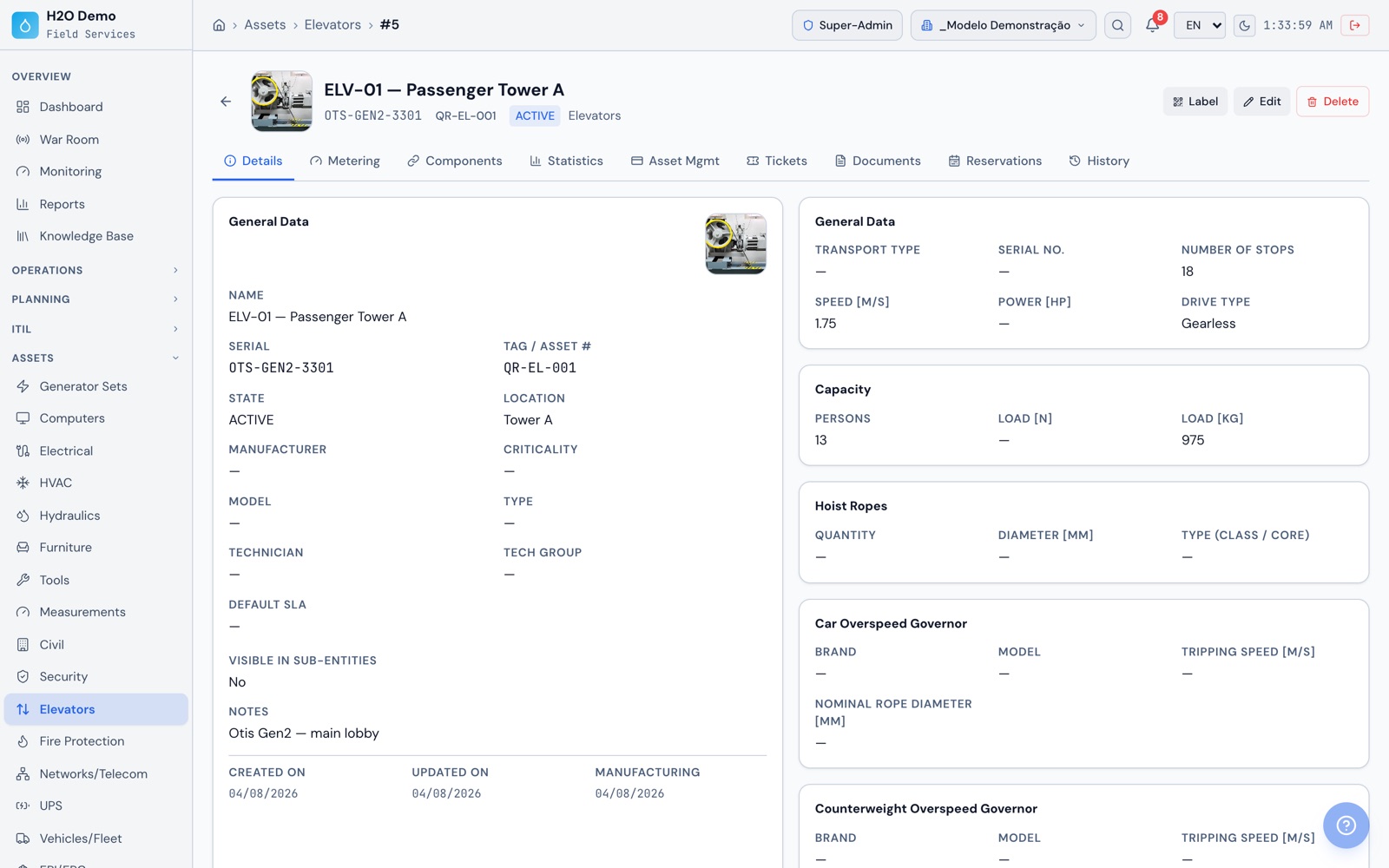
Equipment is organized into 16 families, including HVAC, Hydraulic, Electrical, Generator Sets, UPS, Elevators, Fire Protection, Civil, Security, Networks and Metering. Each family has its own fields. An elevator has stops, speed, load and inspection dates, and a fire extinguisher has agent, capacity, expiration, last recharge and AVCB number. Lightning protection, thermography, generator, electrical panels and UPS have data collection routines and PDF reports, and checklists for the other systems are built by your team or with help from AI.
How do I prove the work to the building manager, the board or the client?
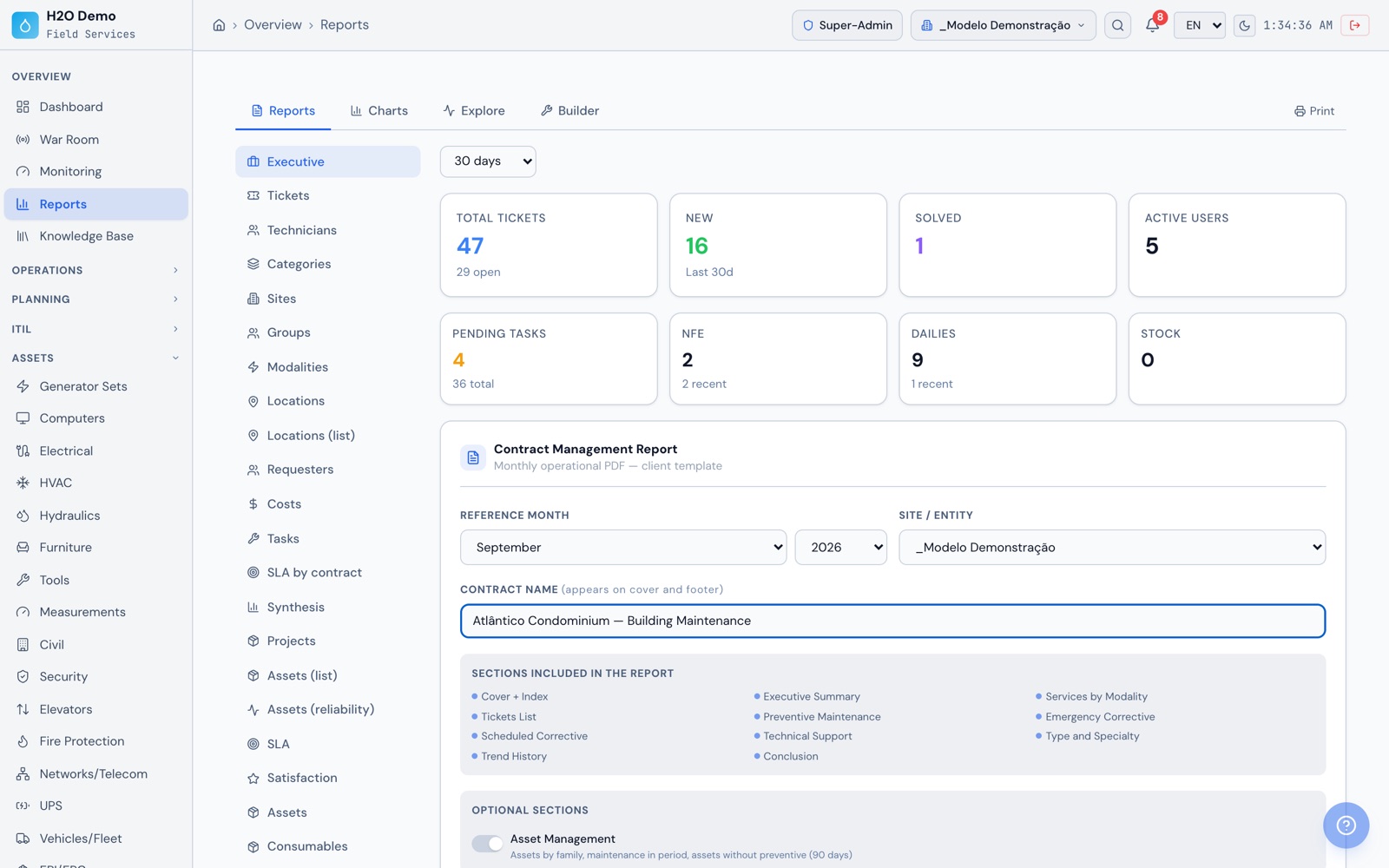
Every job generates a service report in PDF with the signatures of the technician and the on-site contact, and every checklist generates its own PDF with answers, readings and time-stamped photos. At the end of the month, the executive report and the contract management report come out as PDF or PowerPoint, and the service reports and checklists for selected tickets go out by email in a batch. The satisfaction survey shows the average rating and satisfaction by technician.
Does H2O take readings from the building automation system (BMS)?
Through the readings REST API. The BMS, a gateway or a script sends the value, identifying the equipment and the metric, with a user's token. The reading goes through the same range classification as field readings, shows up on the chart and on the Monitoring dashboard and can open a ticket when it goes out of range. Each automation system is connected through an integration project using this API.