Is H2O for the agency that contracts and inspects, or for the contractor?
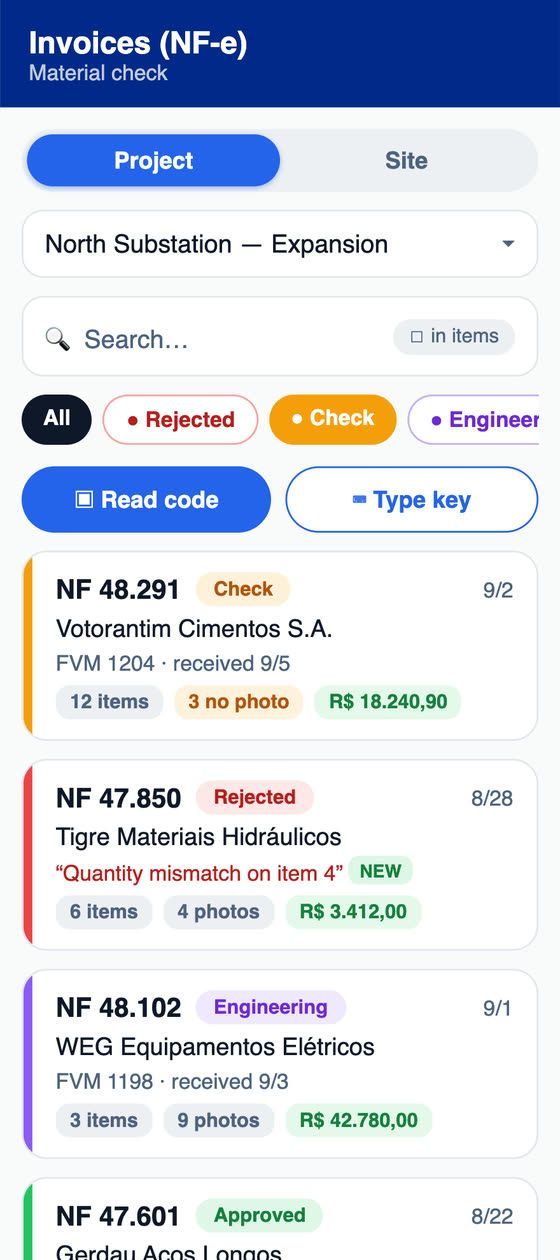
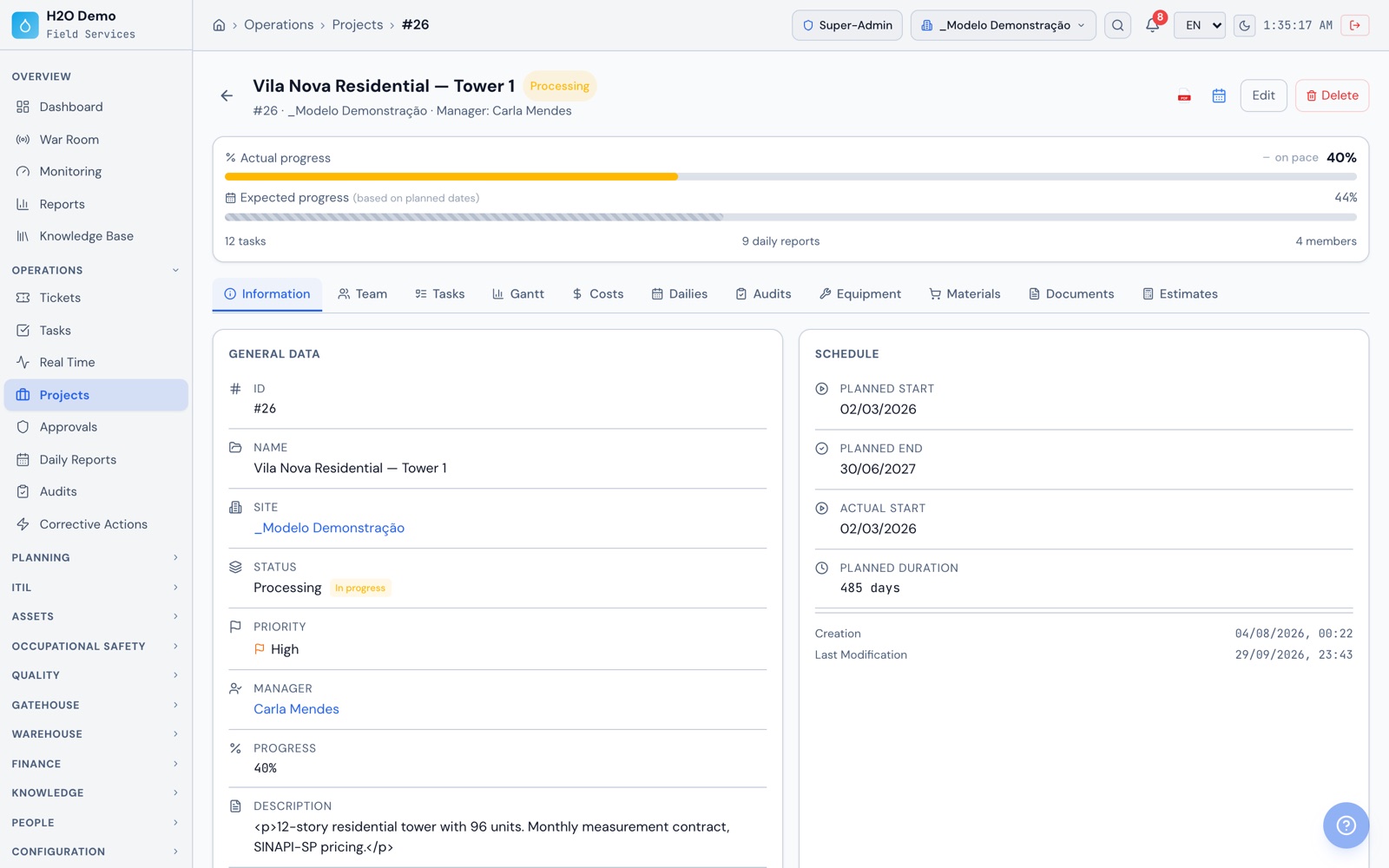
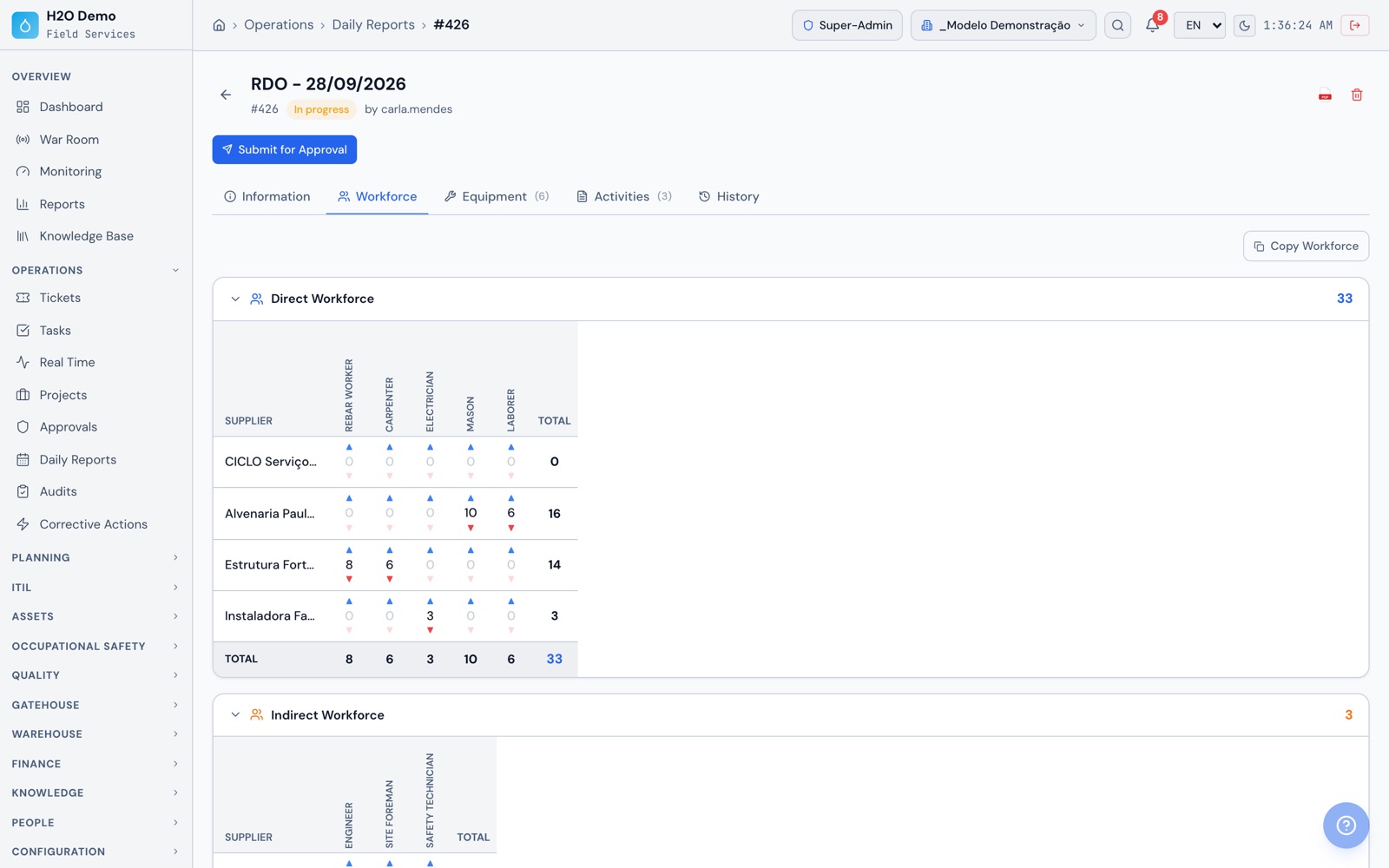
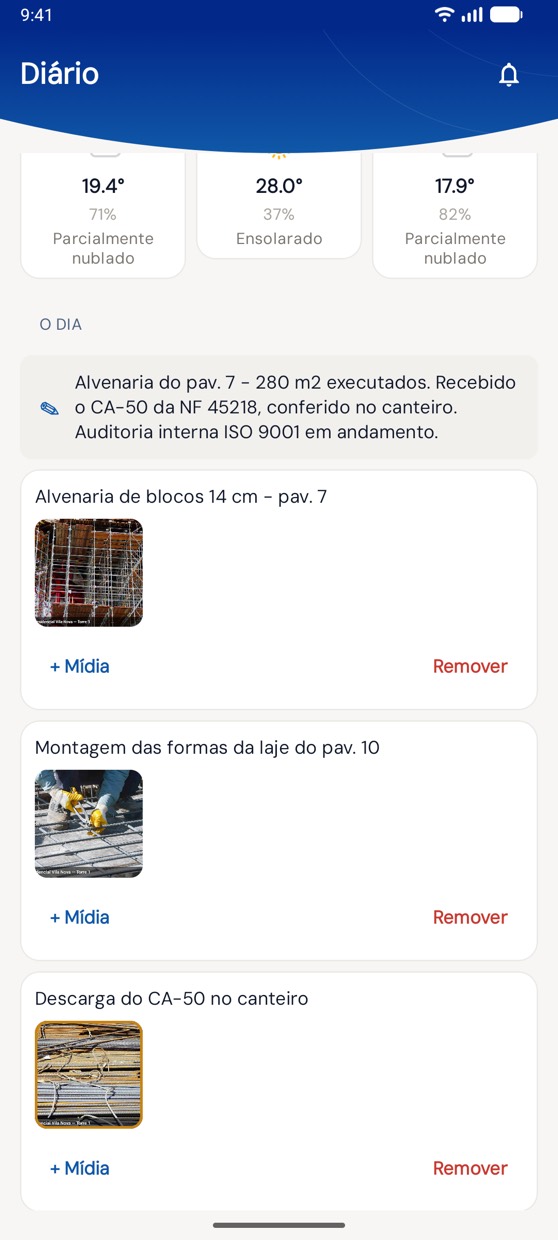
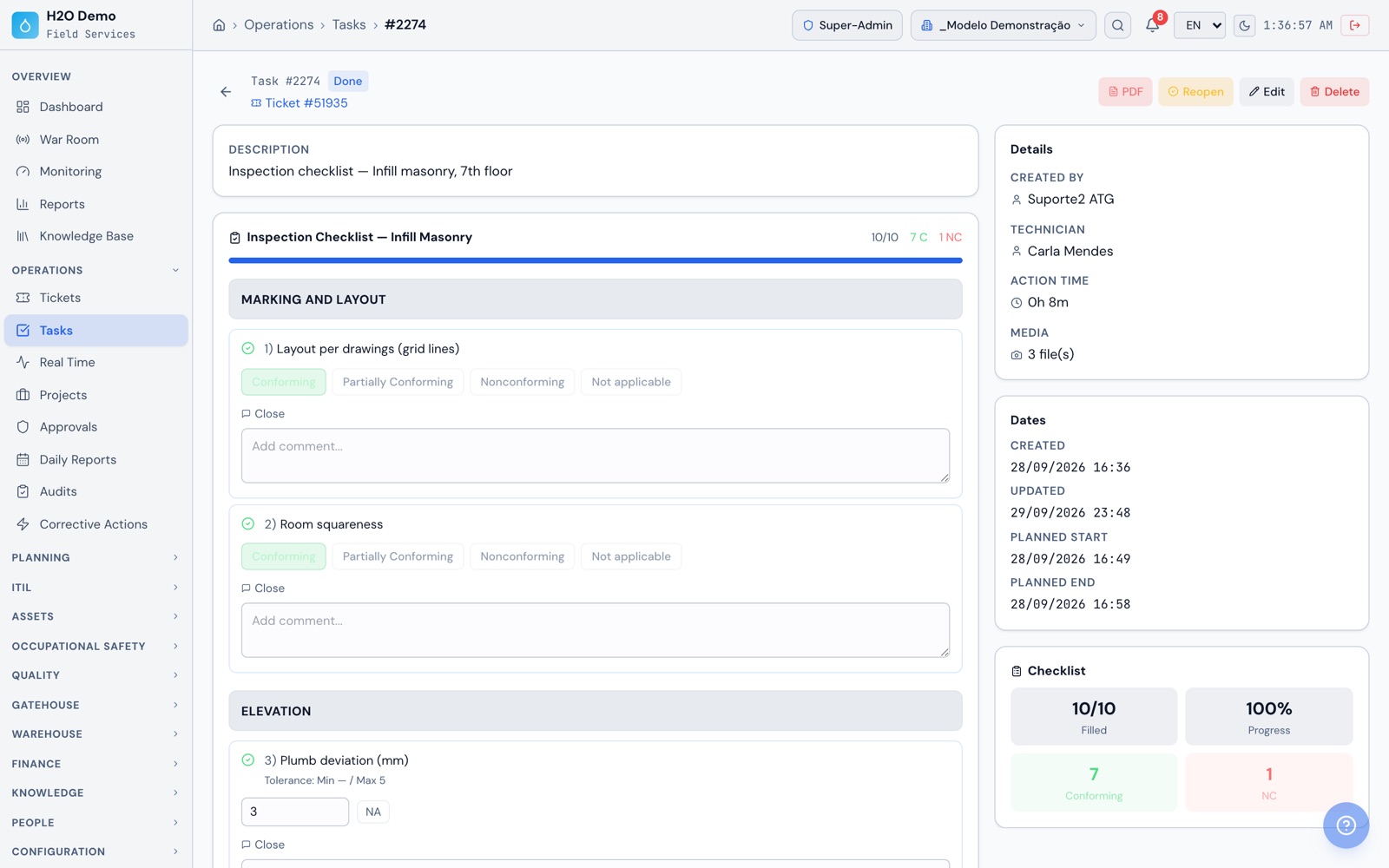
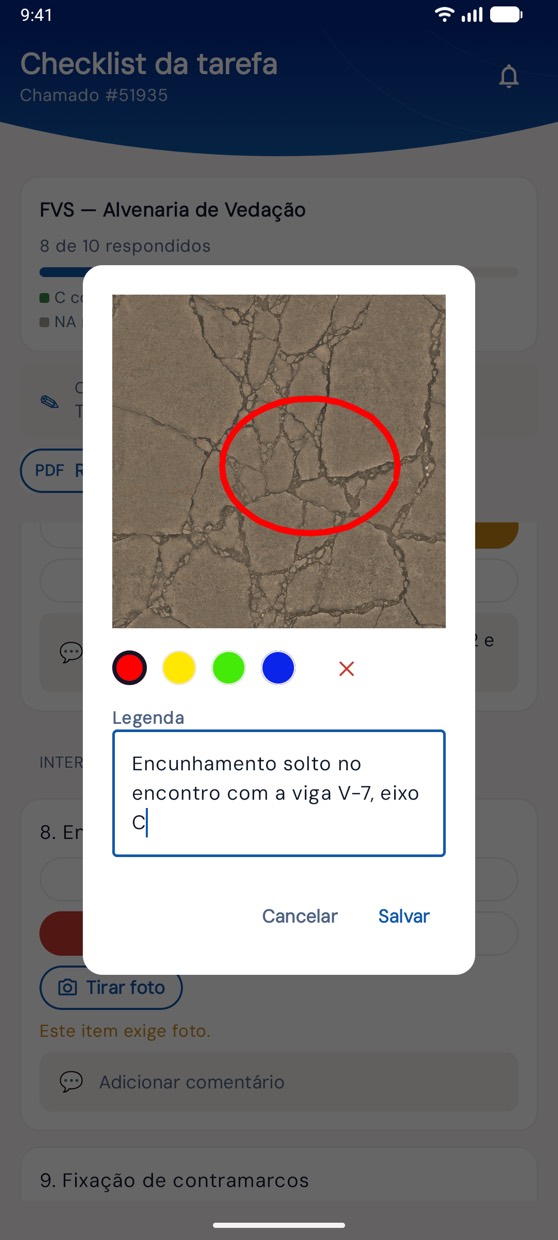
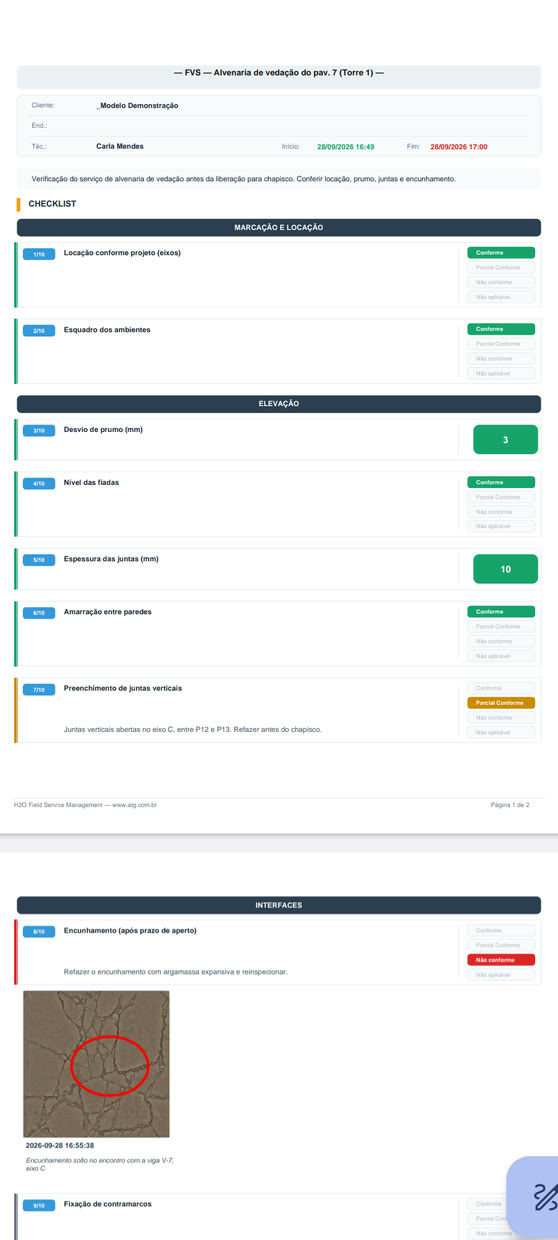
It works for both sides. The agency builds the reference budget, reviews and approves the daily report as the owner, checks the measurement and calculates the IMR. The contractor uses the same system to fill in the daily report, the FVS and the material check and to respond to non-conformances, and each side works with its own access profile.
How does the AI help build the reference budget?
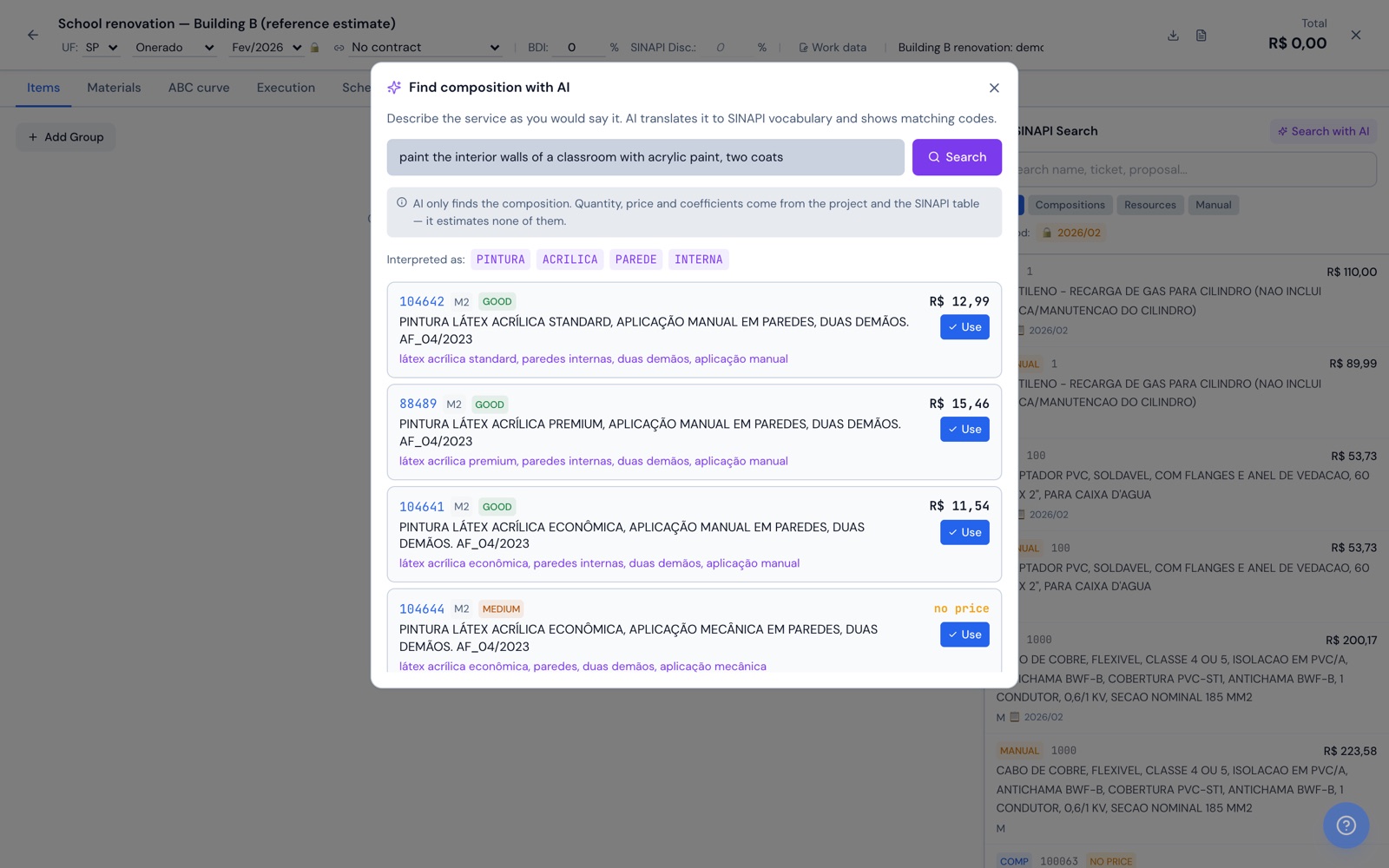
Inside the budget, the estimator describes the work in plain language, such as "paint 300 m² of interior wall with acrylic paint". The AI searches the SINAPI database for the budget's reference month, state and tax regime and returns up to 6 candidate compositions. Each one comes with the code checked against the SINAPI catalog, the description, the unit, the unit price, the reason for the pick and a confidence level. The estimator picks the composition, enters the design quantity and adds the item, which comes in with the detailed composition, the calculation memo and the materials list.
Where does the SINAPI data come from, and how is the budget's base date handled?
ATG loads the official SINAPI files published by Caixa onto the platform, and the agency imports the month it needs with one click: inputs, compositions and the detailed composition with coefficients, for all 27 states. Each budget stores the state, the payroll tax regime (with or without relief) and a locked reference month, and prices can be updated to another month all at once. Agencies that already have an OrçaFascio license can connect their own account and send the budget there.
How is the BDI calculated?
With the formula from TCU Ruling 2622/2013, using the components for central overhead, insurance, risk, bonding, financial costs and profit, plus the PIS, COFINS, ISS and CPRB taxes. The result shows up instantly, with the source cited. The system warns when the BDI falls outside the reference range for the type of work, such as buildings, renovation, highways or water and sewer networks, and when profit or taxes are zero. The calculated BDI can be applied to the budget or to the contract.
What goes into the bid notice spreadsheet and the calculation memo?
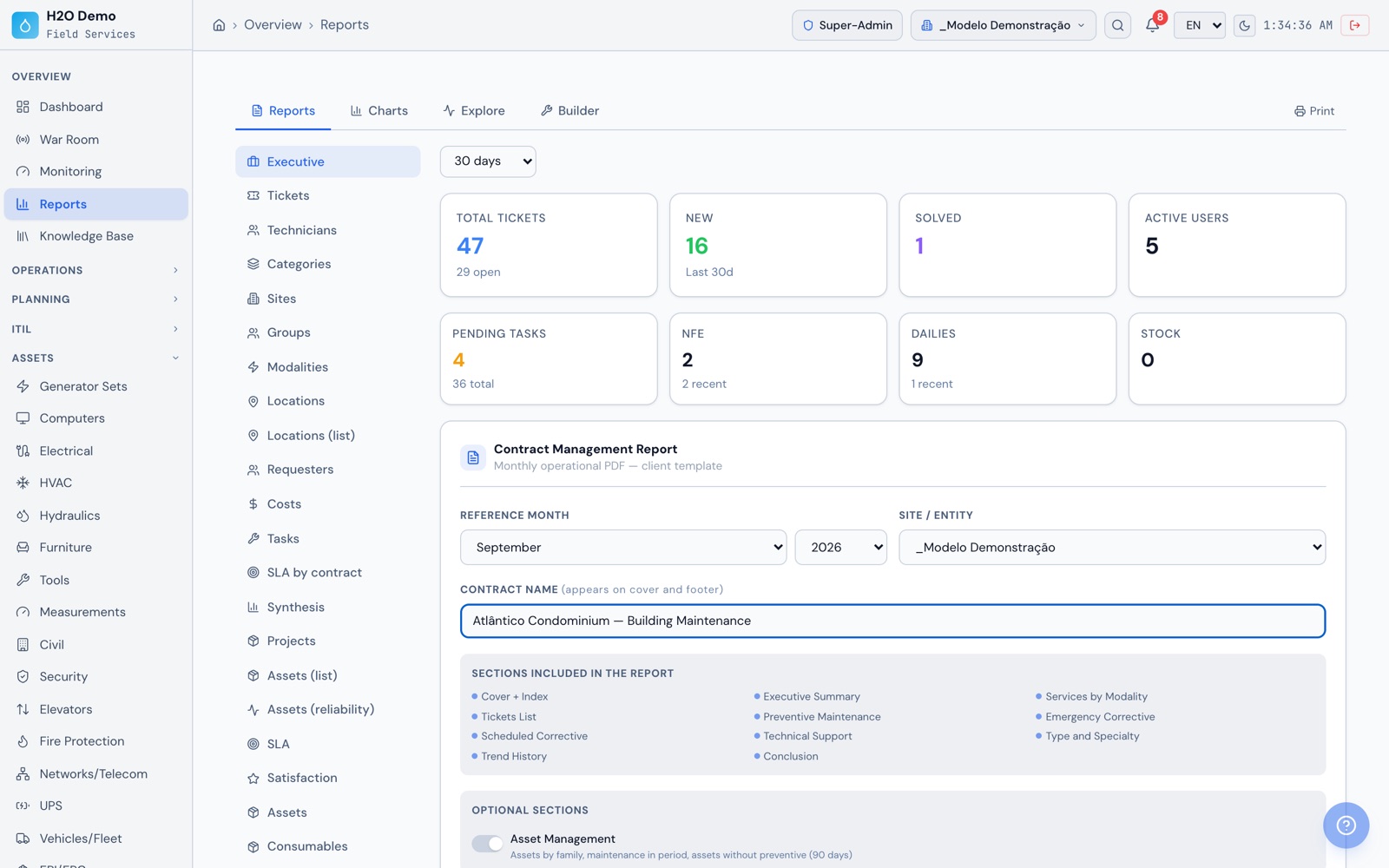
The spreadsheet comes out as a PDF, with numbered stages and sub-stages (1, 1.1, 2.1.1), SINAPI code, unit, quantity, unit price with and without BDI, and a subtotal per stage. The header carries the process number, bid number, agency, location and scope of the work, responsible engineer, CREA registration and ART. The calculation memo breaks each item down to the basic input, including labor with payroll charges, on screen and as a PDF. The budget also exports to Excel, with materials and ABC curve tabs.
Can the inspector approve the daily report on the phone?
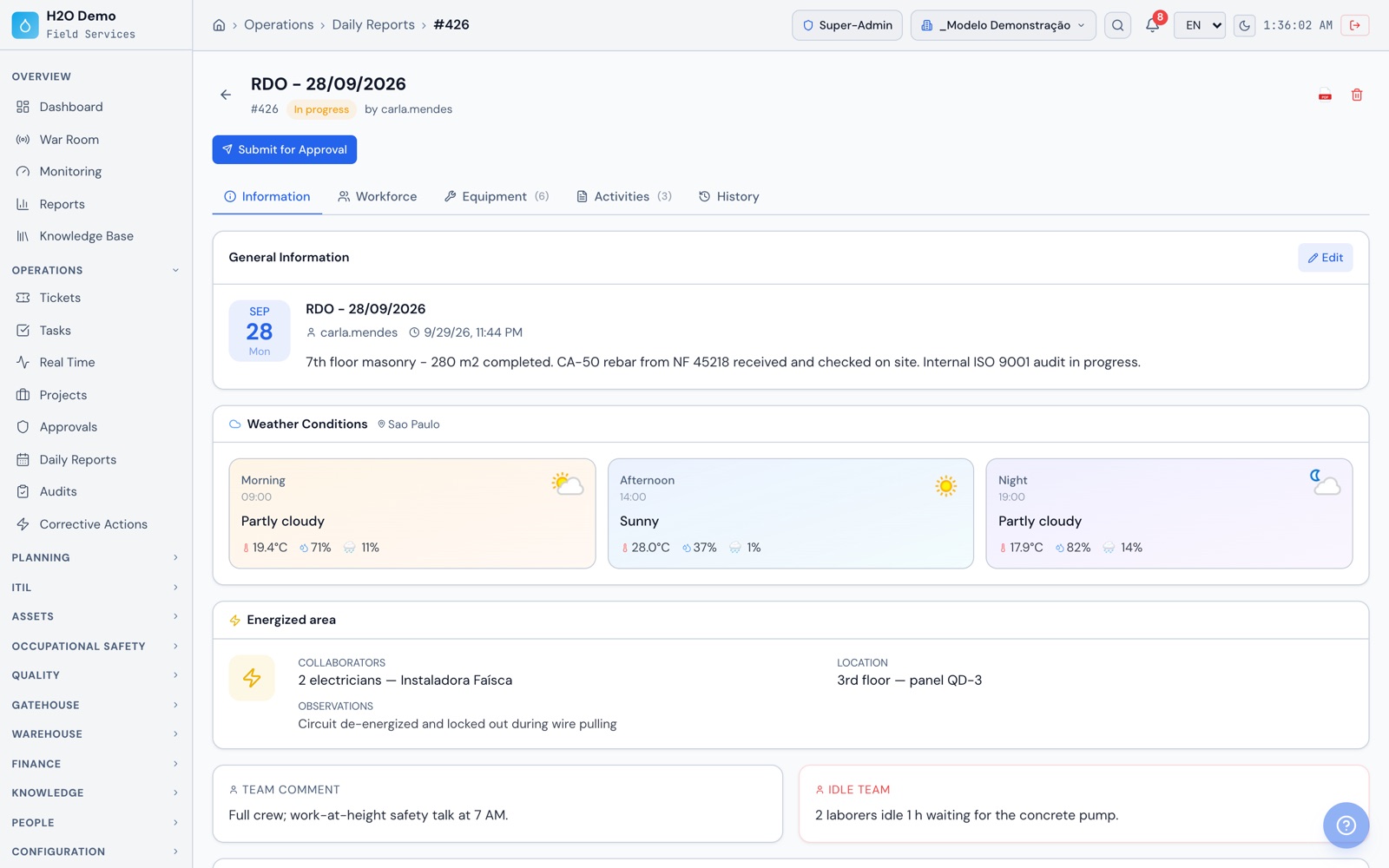
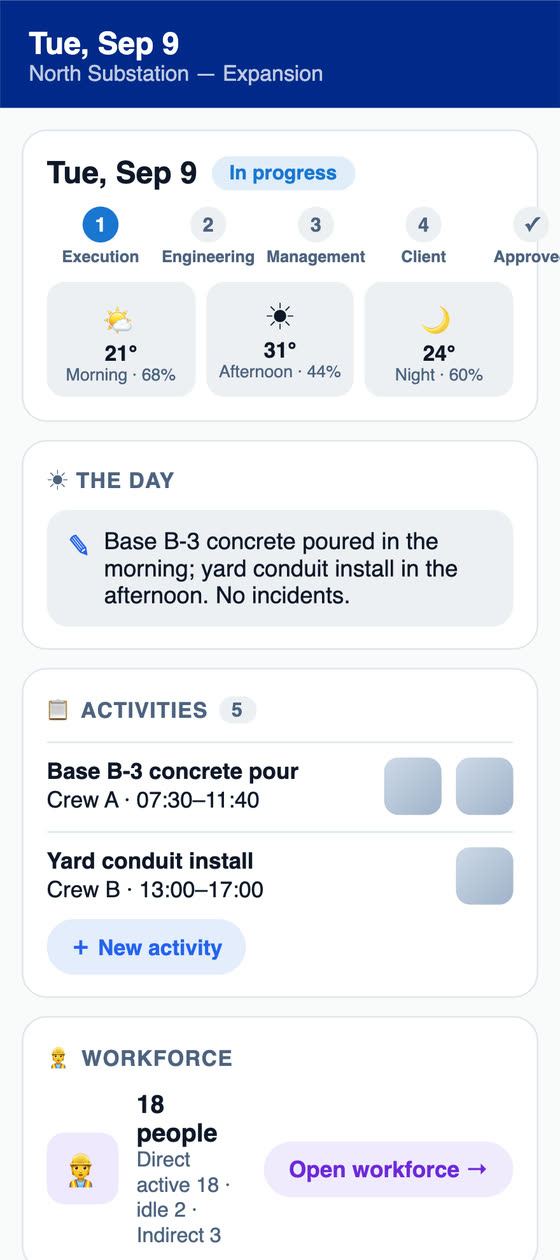
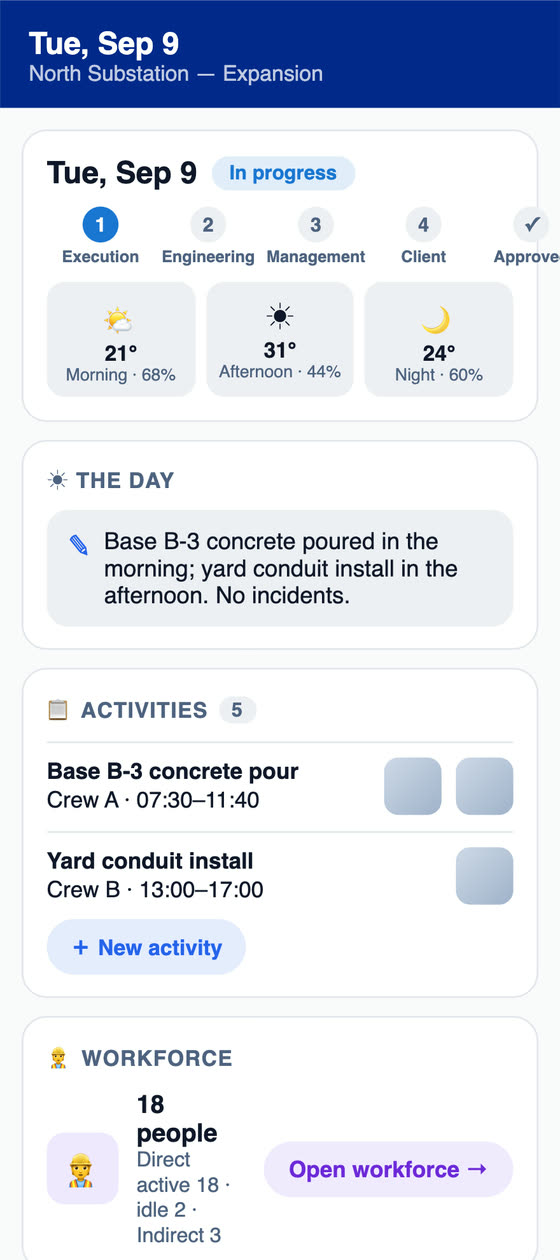
Yes, in the app or on the web. The daily report goes through the contractor's engineering and management and reaches the owner stage, and each approval requires the signature registered in the approver's profile. The electronic signature is drawn on the screen and recorded on the document, with date and time. A rejection returns the report with the inspector's comment. When a project skips the owner stage, it is turned off in the project settings.
How does the IMR with deductions work?
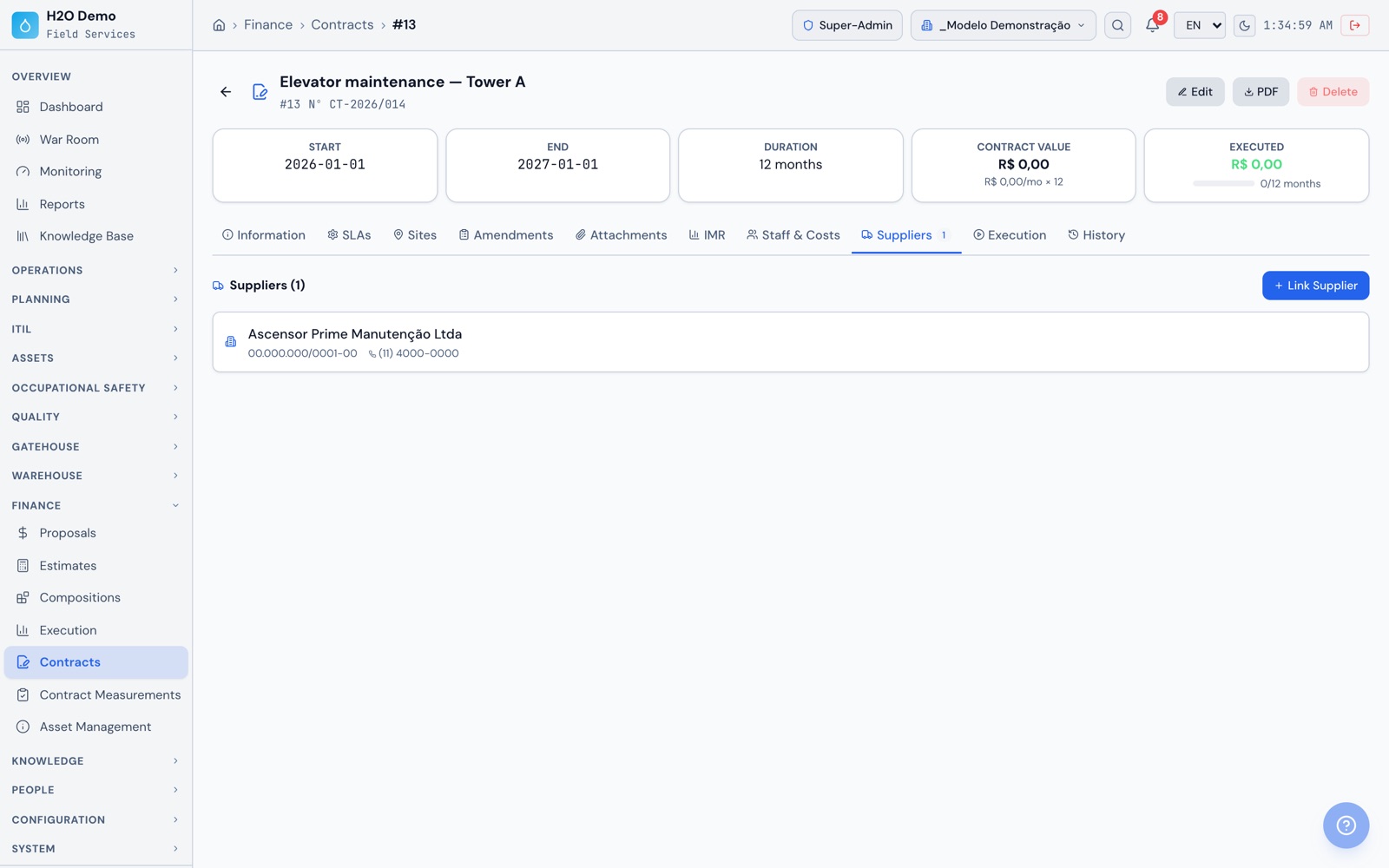
In the contract, you set up the indicators of the performance measurement instrument (IMR), with weight, target and scoring bands, plus the deduction bands, or apply the ready-made model with 7 indicators and 4 bands. At month-end, in financial execution, each indicator's score comes from the data of the contract's units, such as preventive work completed, work orders on time, satisfaction and repeat failures, or is entered by hand. Once the evaluation is approved, the deduction goes into the month's billable amount, and the IMR dashboard shows the trend by contract.
How do monthly measurement and addendums work?
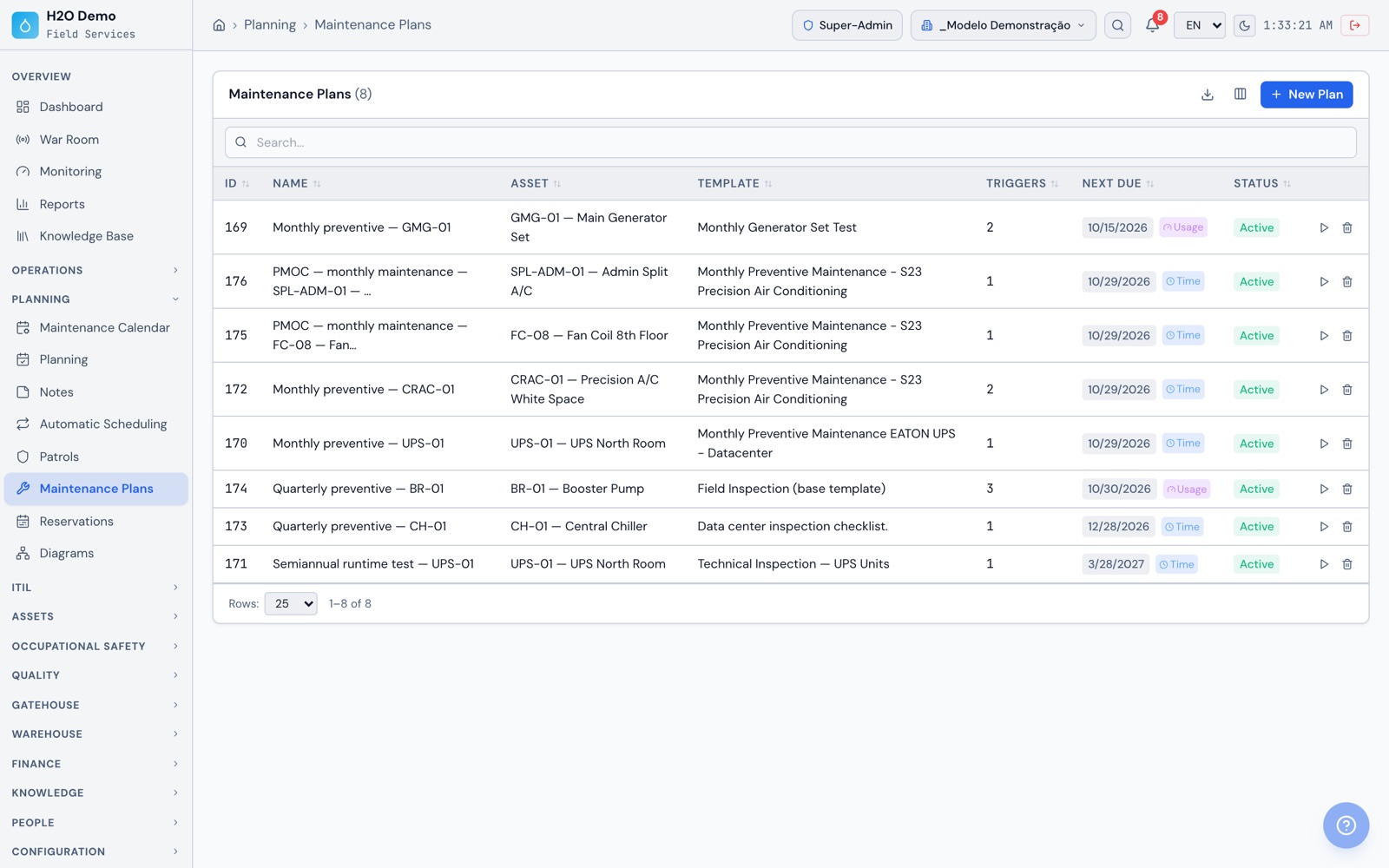
The month's report opens from the contract baseline, with the staffed positions and their CATSER codes plus the discount for uncovered positions, the operating costs, the included ticket budgets, and the SINAPI items with the month's quantity and the cumulative total. A closing checklist verifies the IMR, personnel and costs, and the status moves from Draft to Measured, Approved and Invoiced, with PDF and Excel. Value, scope or term addendums get a number and stay in the contract history.
Can we manage many schools and health units in the same database?
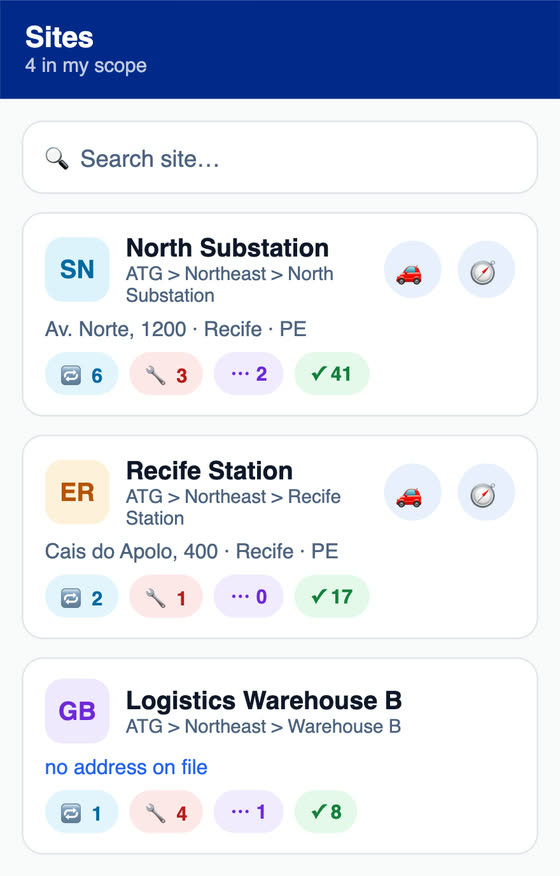
Yes. Units sit in a tree, for example city hall, education department, regional office and school. Each user sees their own unit and the ones below it, and the department gets the consolidated view. A record created at the department can apply to the units below it, reports can be filtered by unit, and screen terms can change per unit, such as renaming Site to School.
How does a school or clinic request a repair?
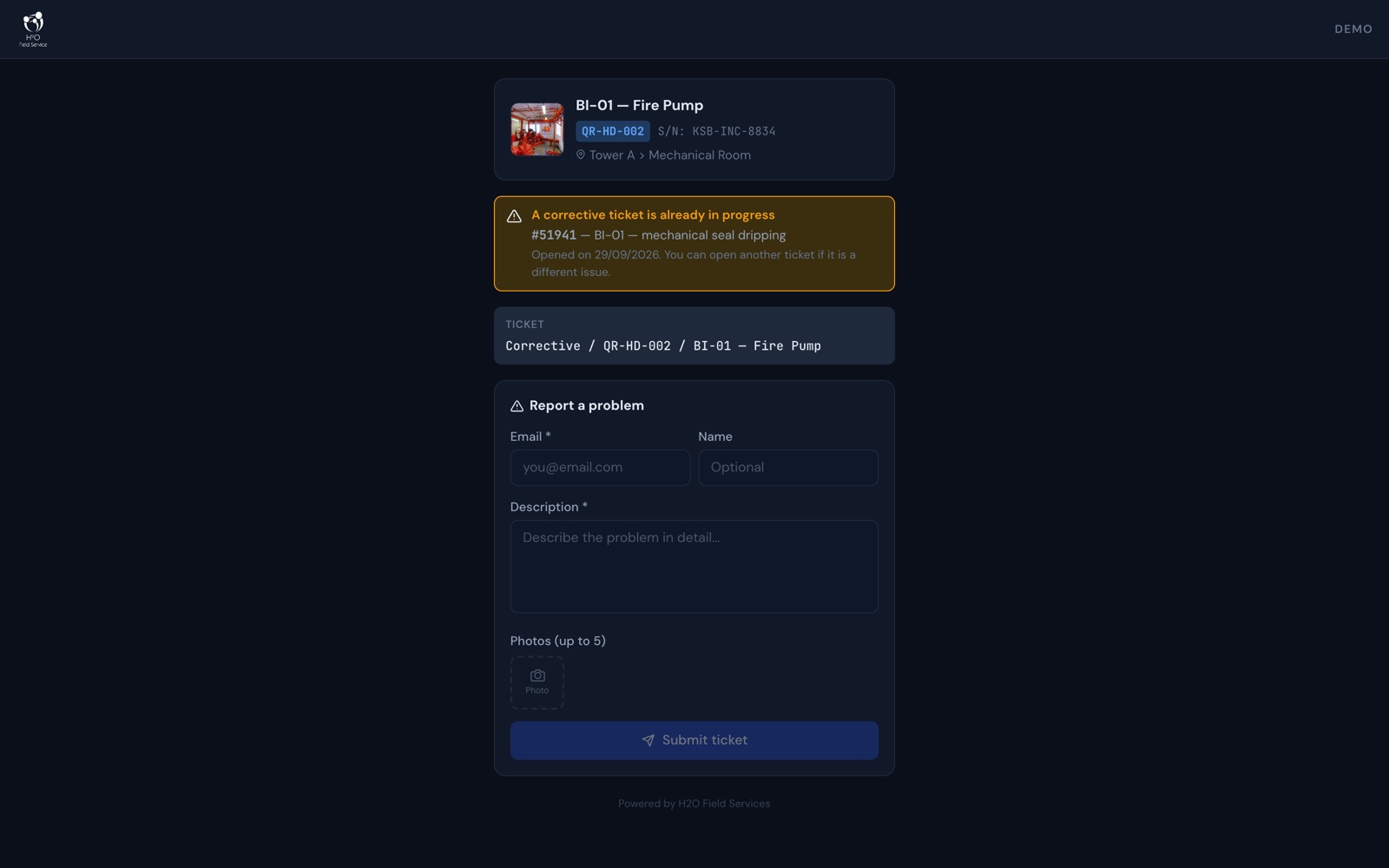
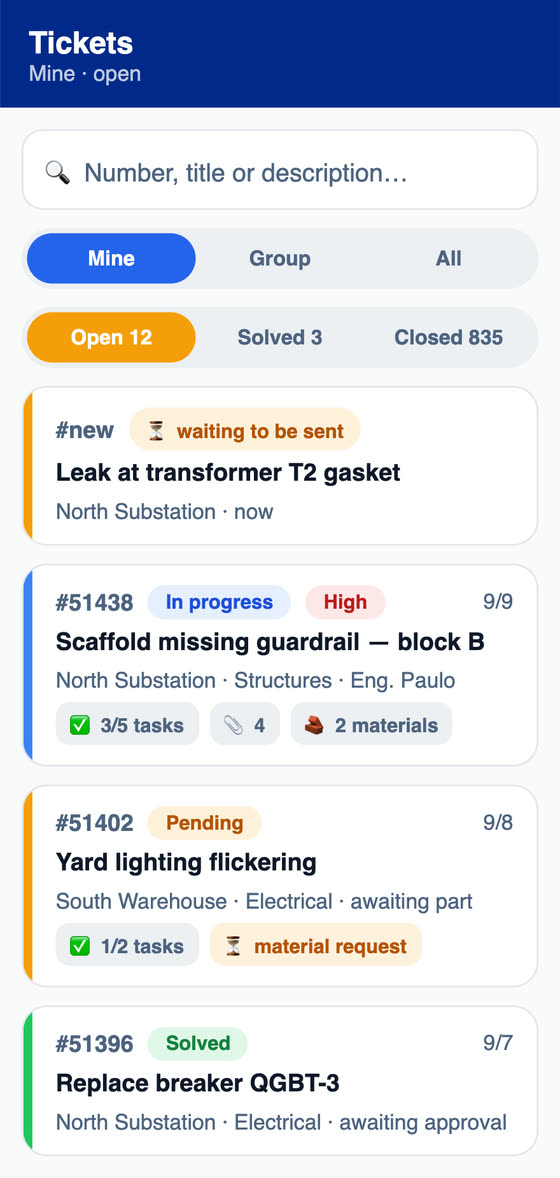
From the equipment QR code, the principal or any staff member opens the ticket in the phone browser, with no login and no app to install, with a description, email and up to 5 photos. Registered users use the requester portal to open and follow tickets and to accept or decline the solution. The department tracks the SLA in business hours, with calendar, holidays and pause by status, and the satisfaction survey goes out by link after the work is done.
What can internal control look up and export?
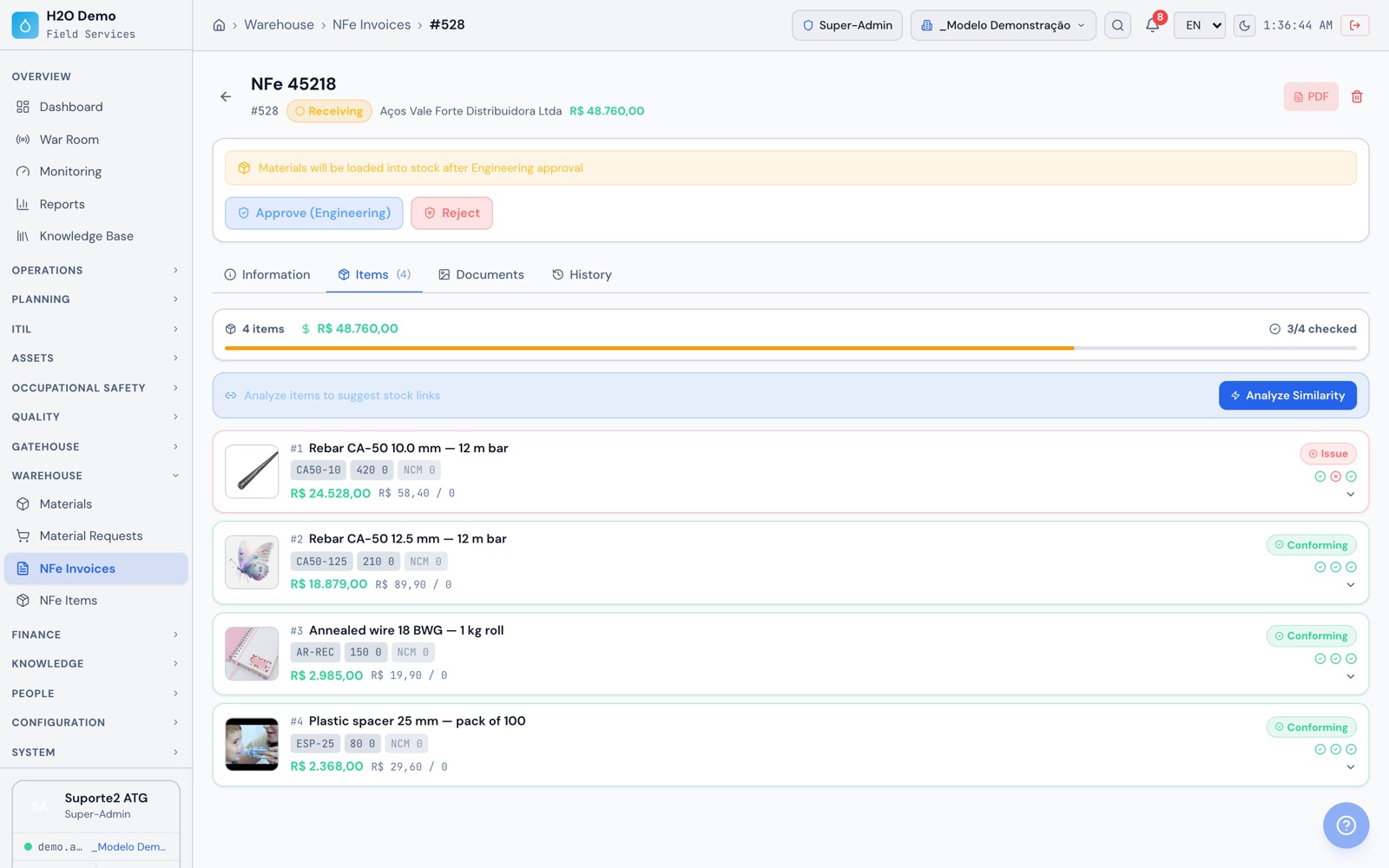
The log of who created, changed or deleted each record, with date and time, and the history of each daily report, contract, budget and NF-e. Photos carry date and GPS, and the approvers' signatures stay on the document. Tickets, tasks, NF-e invoices, projects, assets, stock and the log itself export to CSV or Excel, and the documented REST API sends the data to the agency's other systems and dashboards.
Does the app work on a job site or at a unit with no signal?
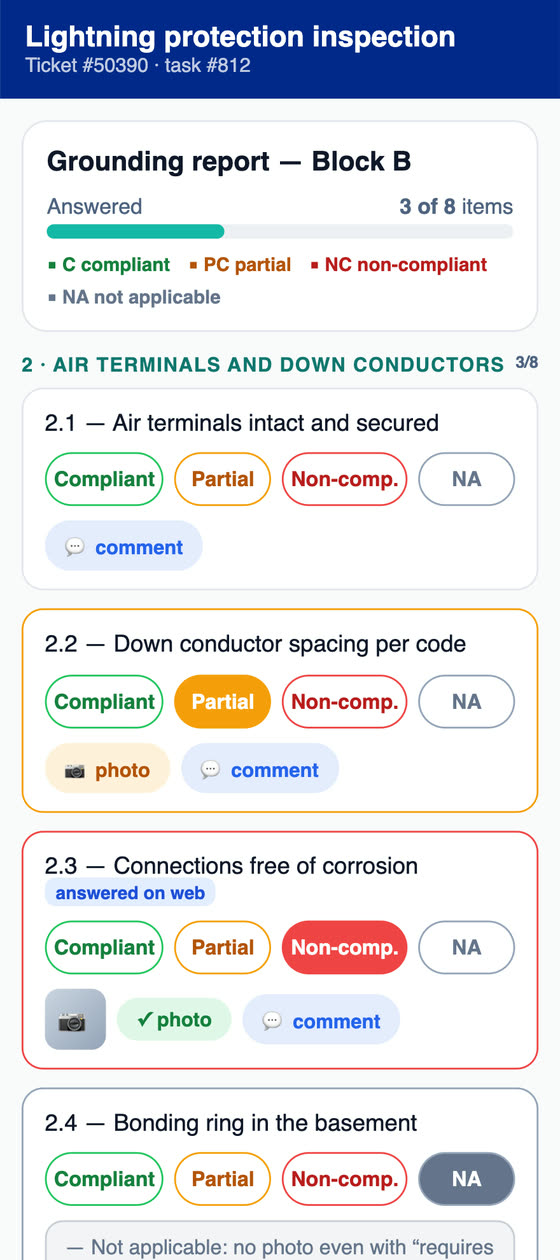
Yes. In the app, tickets, checklists and FVS, daily reports with photos, checking an NF-e already downloaded, meter readings, approvals and health and safety records stay on the device and sync when the connection comes back. The app is on Google Play (Android), the App Store (iPhone and iPad) and the Microsoft Store (Windows).